NetSuite Functional Course for Beginners
Accounts Receivable Challenges from a NetSuite Perspective
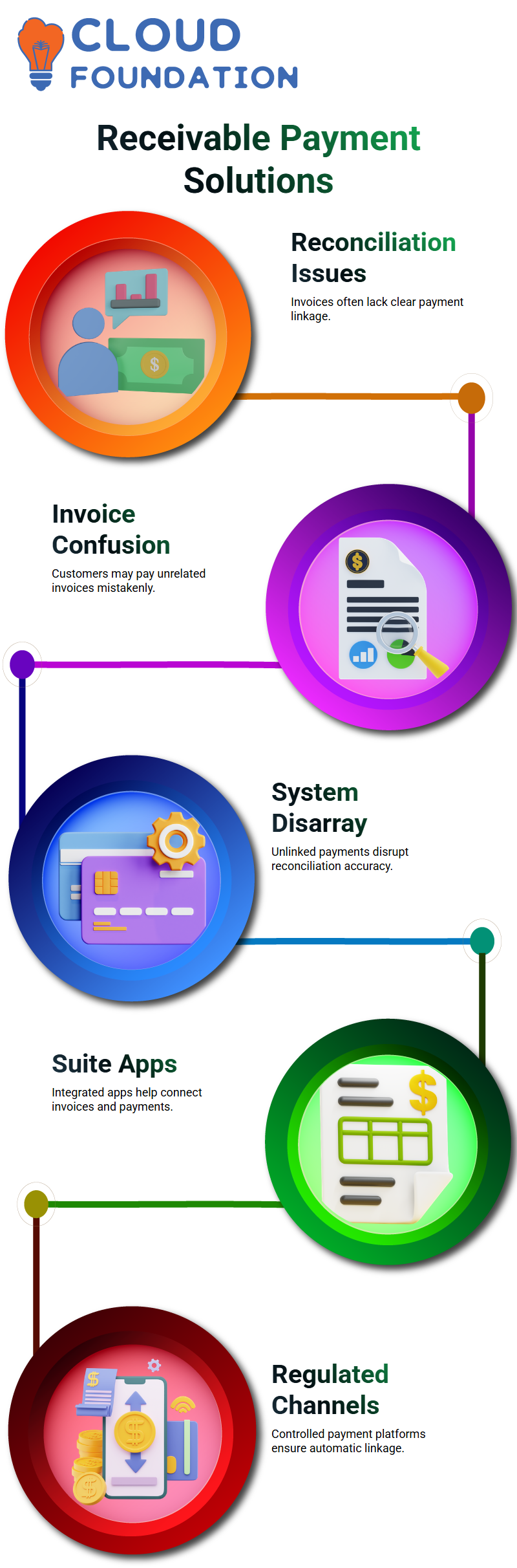
Accounts receivable reconciliation is a question I frequently hear in every NetSuiteclass. As a NetSuitetrainer, I encounter this issue frequently: clients deposit money into the bank, but finance departments are unsure of which invoice the money is associated with.
From a NetSuiteperspective, this leads to disarray in the process of reconciliation. One of your customers may receive an invoice from you, but someone else pays them.
Businesses suffer because, in NetSuiteterms, the money is there, but there is no connection to the invoice.
Exploring Payment Tools as a NetSuite Expert
I frequently contrast bill payment platforms like Bill.com with accounts receivable systems in my NetSuitepresentations.
I typically advise looking into Suite Apps or interfaces like Salesforce payments as a NetSuiteConsultant. In order for the system to automatically link the invoice and the payment without human intervention, a good NetSuitesolution should require the customer to pay through a regulated channel.
Role and Access Control Explained by a NetSuite Consultant
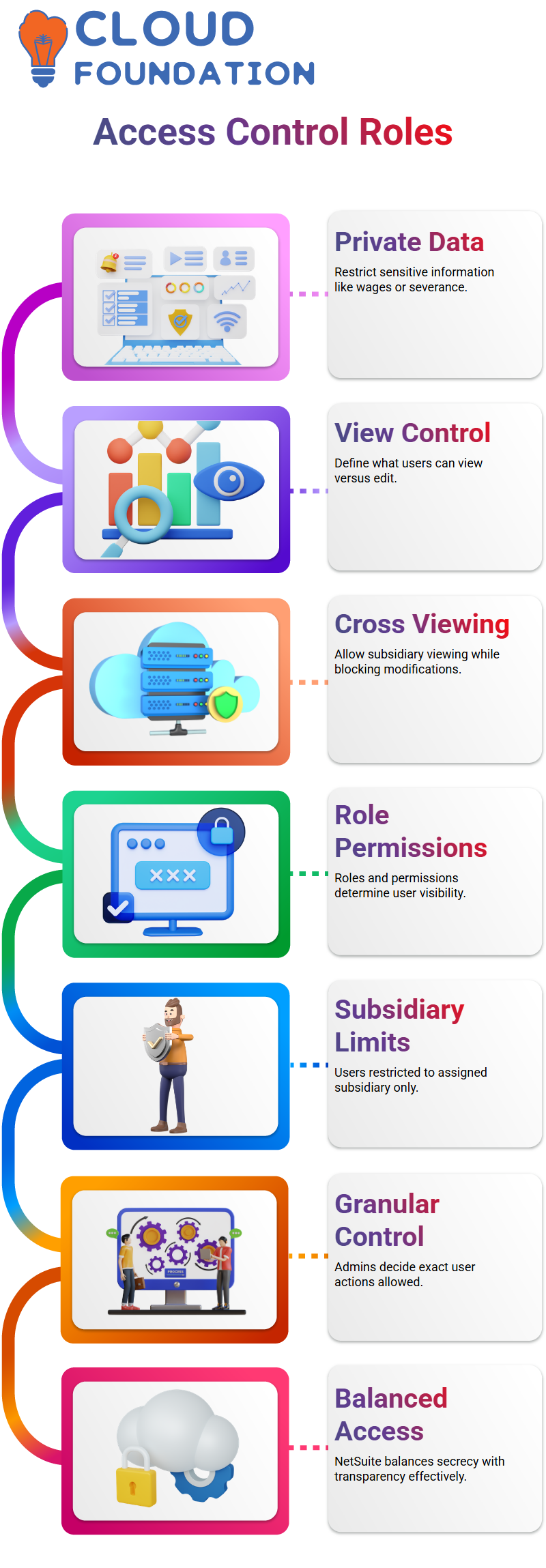
Since it addresses actual business issues, access control is one of my favorite NetSuitesubjects. As a NetSuiteconsultant, I am aware that businesses prefer that workers perform their duties without disclosing private information such as wages or severance benefits.
Controlling what users can view versus edit is essential for internal controls, and it is possible with a NetSuiteconfiguration.
You can even prohibit modifications while permitting cross-subsidiary viewing from a NetSuitesecurity perspective. Because of this flexibility, I usually emphasize that having a functional NetSuite offers you the ability to strike a balance between secrecy and transparency.
Role Control in NetSuite
“Who should see what?” Roles, permissions, and subsidiaries are key to NetSuite.
NetSuiteautomatically restricts a user’s visibility to that subsidiary and only that subsidiary if I assign them to it. They are not allowed to look into other subsidiaries.
But I have far more control with NetSuitethan just subsidiary limitations. I have complete control over what the user is allowed and not allowed to do within that subsidiary.
This is where administrators who desire unambiguous access control might benefit greatly from NetSuite.

NetSuite Functional Training

Restricting Transactions NetSuite
I frequently hear the following question: What if a user is a subsidiary but shouldn’t have access to accounting transactions? This is handled neatly by NetSuite.
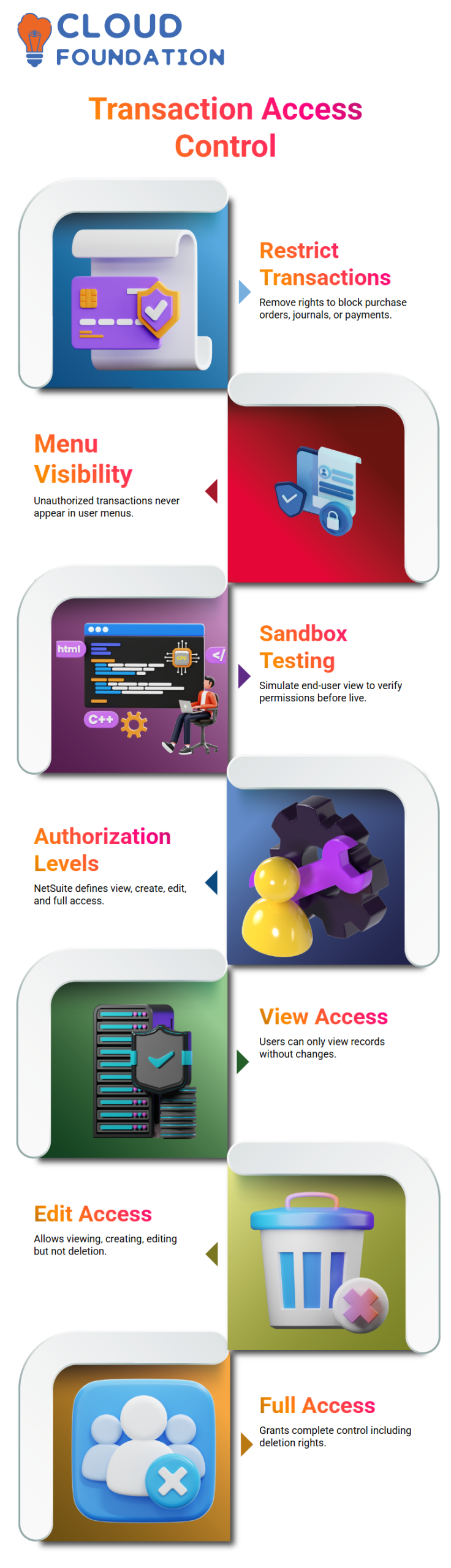
Purchase orders, journal entries, vendor payments, and customer receipts are examples of transactions for which I merely delete transaction rights.
If I don’t give authorization, the transaction in NetSuitedoesn’t even show up on the menu.
The user is unable to view payment screens, publish journals, or enter purchase orders. For this reason, I constantly emphasize to Learners that NetSuiteaccess control is accurate rather than complex.
I test this in the sandbox when I work directly with NetSuite. I take on the role of the end user and see exactly what they will see. I can verify all of the NetSuitepermissions before going live thanks to this method.
Permission Levels Explained in NetSuite
I keep saying this because it’s important: NetSuitedefines four distinct authorization levels. View access in NetSuitelets users view records without making any changes. They can add records with create access, but they can’t change ones that already exist.
Viewing, creating, and editing are all possible with edit access in NetSuite, but deletion remains locked.
Everything is accessible, even deletion, with full access to NetSuite. I keep to view-only access when I want stringent control, especially when it comes to sensitive accounting data.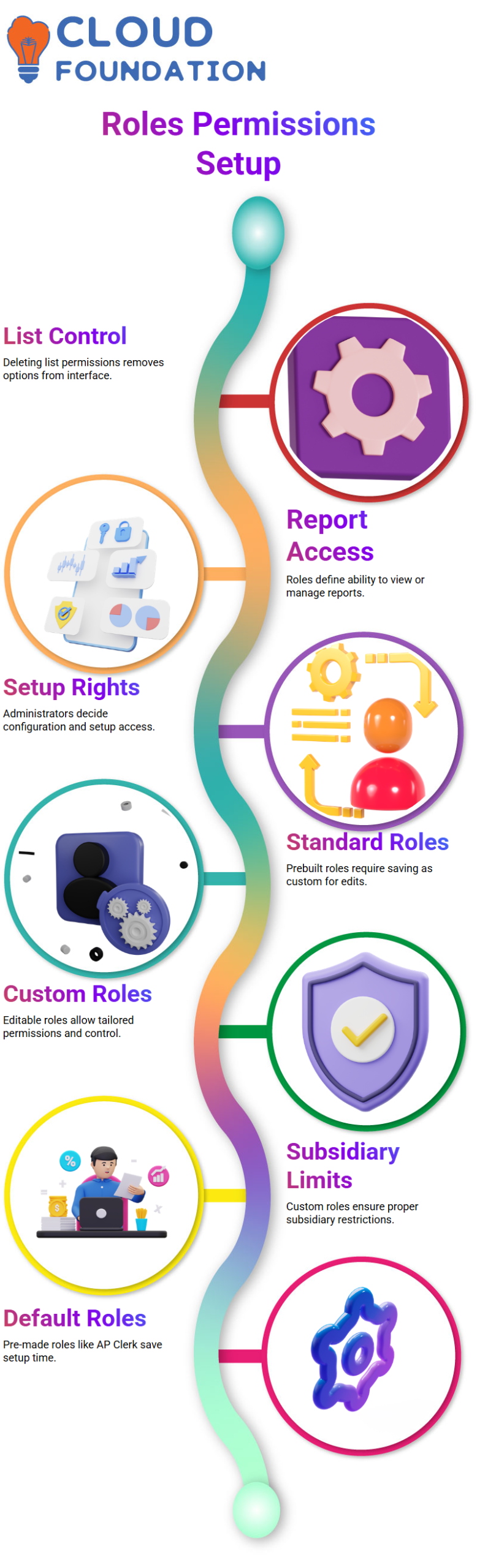
When I restrict access, NetSuiteimmediately turns off the edit and delete buttons. I’m reassured that the system upholds my configuration thanks to such a visual constraint.
Managing Lists, Reports, and Setup in NetSuite
Transactions are not the only use case for NetSuitepermissions. Lists like departments, classes, and locations are also within my authority. If I delete a list permission in NetSuite, the option completely vanishes from the user interface.
This also holds for NetSuitereporting and setup access. I determine if a role has the ability to see reports, manage configurations, or access setup pages. Role design makes sense because NetSuiteclearly divides setup, listings, reports, and transactions.
I always carefully go over these parts as an administrator working with NetSuitebecause even minor errors can reveal needless data.

NetSuite Functional Online Training
Standard vs Custom Roles in NetSuite
Standard roles in NetSuiteare prebuilt. I can customize them, but I can’t edit them directly. NetSuiterequires me to save a standard role as a custom role before I can modify it.
In NetSuite, a role is considered bespoke if it has an edit option. A typical role is one that merely has the opportunity to be customized. I can quickly determine what I can change because of this straightforward differentiation.
The NetSuiteindustry standard is unambiguous. Normally, I assign just bespoke roles and deactivate conventional roles. This guarantees appropriate subsidiary limitations, regulated access levels, and consistent permissions.
Roles with reasonable default permissions, such as AP Clerk, are already included in NetSuite. Because NetSuitesaves time by providing these pre-made structures that I can modify, I seldom ever create roles from scratch.
NetSuiteRoles and Processes
It’s crucial to make sure users have the right permissions while creating roles in NetSuite. For instance, you might not want to grant a certain user access to certain features within your company, such as the ability to pay sales tax. To make sure they only have access to the features they require, you can simply modify their role to eliminate that choice.
In NetSuite, creating a custom role is simple. Assume you are employed by IBM and that you must designate a position exclusively for the “IBM AP Clerk.” By giving it a suitable name and saving it, you can create that role.
Any modifications to the role can then be made directly within that customized role. This allows you total control over that role’s capabilities and permissions in the NetSuiteconfiguration.
You will learn about the various processes that NetSuiteenables as you work with it. These procedures are essential for effectively managing a variety of company workflows. For instance, you will manage every step of the order-to-cash process, from creating the order to sending the invoice.
Similar to this, you may monitor and manage leads as they develop into prospects and, ultimately, sales the lead-to-code process.
The call-to-resolution process, which handles customer support concerns, is another crucial NetSuiteprocedure. It is essential to comprehend these procedures and how NetSuiteconfigures them in order to streamline operations and guarantee the smooth running of your company.
You will be able to use NetSuitewith ease once you become familiar with these operations.
Other NetSuiteprocedures, like intercompany transactions, amortization schedules, and expense allocations, will be covered in greater detail in our upcoming session. You will have a better of NetSuite’s adaptability and scalability for a range of business requirements thanks to these sophisticated capabilities.
Although certain companies would need NetSuitefor manufacturing setups, we’ll be ignoring that in this instance. We’ll instead concentrate on other important aspects, like expense management, which is a need for many businesses.
One useful tool that helps businesses manage their expenditure procedures more effectively is the NetSuiteExpenditure Management Suite App.
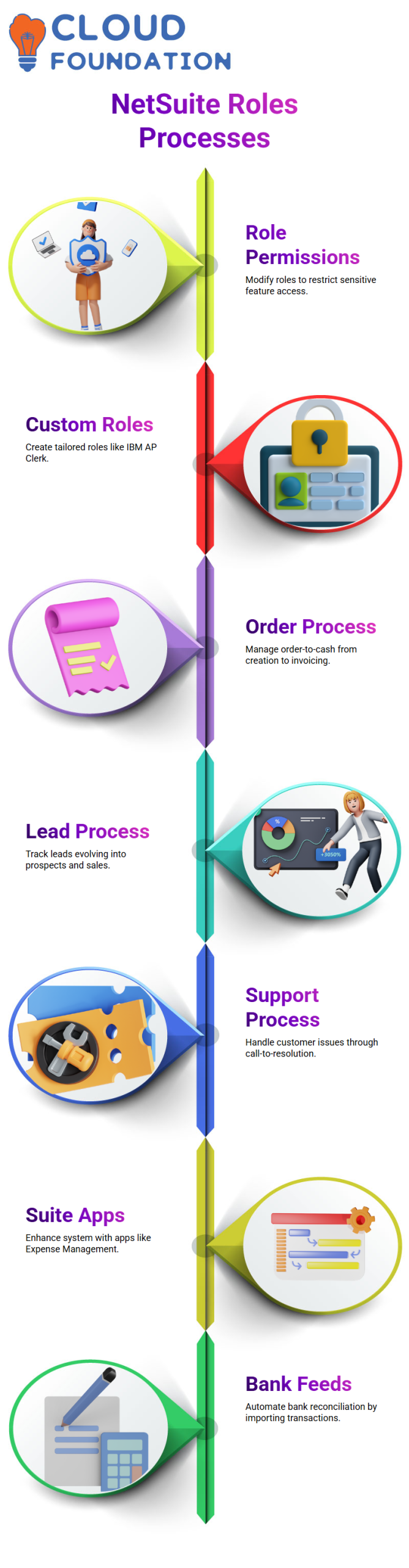
To expand the capabilities of the main system, NetSuiteprovides a suite of applications that can be loaded on top of it. The NetSuite Expense Management Suite App is one example of such an application. With its cutting-edge capabilities, this app gives businesses greater flexibility and control over how they handle their spending.
Once, for instance, NetSuite had a feature called ‘Shared Vendor Bill,’ which let companies share vendor invoices between two vendors. Newer solutions, such as NetSuite Net Gain, which provide improved capabilities for managing shared transactions, have now supplanted this capability.
Businesses can increase the accuracy of their spending management and expedite their financial processes by utilizing these Suite Apps within NetSuite Financials.
The Bank Feeds app is another useful suite tool that is part of NetSuite. By automatically importing bank transactions into NetSuite, this application streamlines bank reconciliation and makes it simpler to match deposits and payments.
All things considered, NetSuiteprovides a large selection of Suite Apps that may be tailored to your company’s unique requirements.
Some of the most popular Suite Apps are those for shared transactions, bank reconciliation, and expenditure management; not all organizations will use them all.
As you experiment with these technologies, you’ll discover that they can greatly improve your capacity to better manage company processes.

Netsuite Functional Course Price

Nishitha
Author