NetSuite Functional Online Classes
NetSuite Intercompany Purchase Orders in Real Business Scenarios
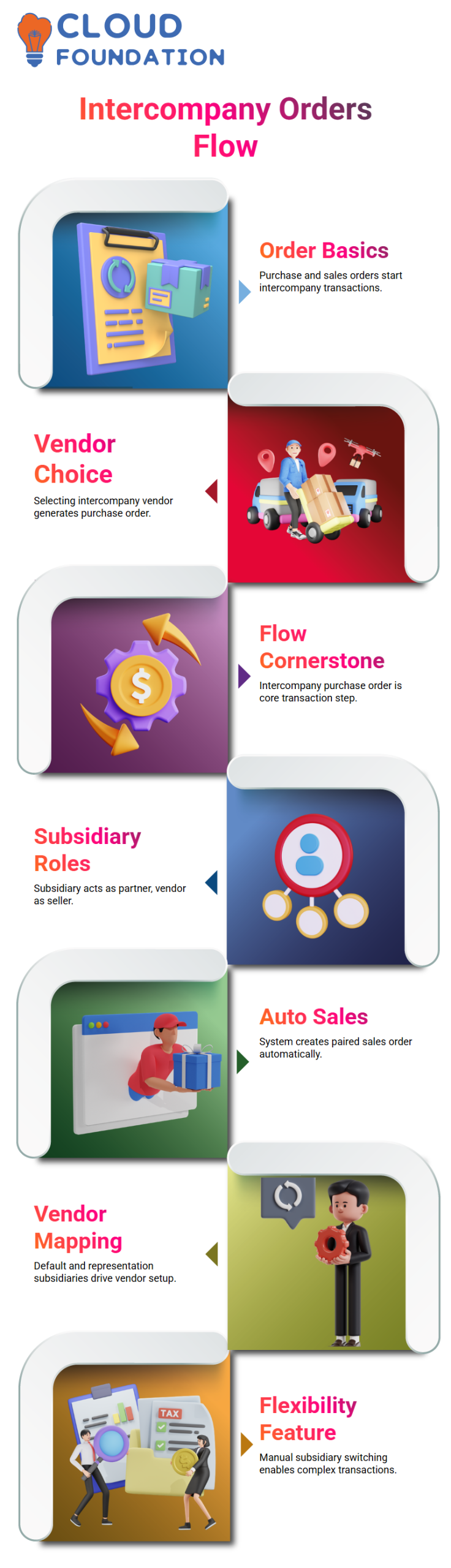
Purchase orders and sales orders are where most real-world accounting teams start when working on NetSuite intercompany transactions.
By choosing the appropriate intercompany vendor on the normal buy order form, I generate an intercompany purchase order in NetSuite. Personally, I consider this to be the cornerstone of the NetSuite intercompany flow.
In NetSuite, I typically approach the other subsidiary as a business partner and the main branch as an intercompany vendor. I can plainly see which entity is purchasing and which is selling, thanks to this configuration.
NetSuite automatically sets up the system to create the paired intercompany sales order as soon as I choose the intercompany vendor.
NetSuite Vendor and Subsidiary Mapping
Each intercompany vendor in NetSuite has a default subsidiary and a representation subsidiary. For this reason, when I place a purchase order, the system chooses the subsidiary automatically.
Flexibility is one of NetSuite’s best features. I can manually switch the vendor’s subsidiary and still conduct NetSuite intercompany transactions if I want.
Because of this, NetSuite is useful in intricate group organizations with numerous subsidiaries conducting business with one another.
NetSuite Intercompany Management Tab and Approval Flow
I check the Intercompany Management tab right away after creating the intercompany purchase order in NetSuite.
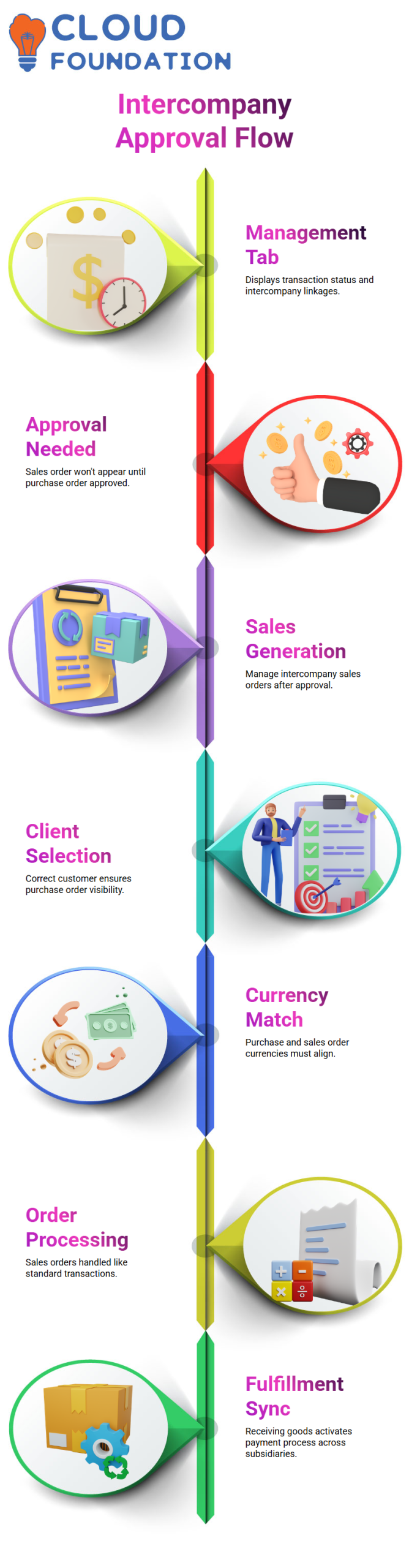
Because it displays the paired transaction status and intercompany linkages, this tab is crucial to NetSuite.
When it comes to NetSuite, permission counts. The associated intercompany sales order won’t show up if the purchase order remains pending approval.
For this reason, I never proceed with NetSuite until I have approved the purchase order.
NetSuite Sales Order Generation from Purchase Orders
I go to Manage Intercompany Sales Orders in NetSuite after approval is complete. Here, I pick the right client very carefully. If I select the incorrect customer in NetSuite, the purchase order will not appear at all.
Another NetSuite aspect that I never overlook is currency selection. The purchase order’s currency and the sales order’s currency must match precisely. This is not compromised by NetSuite, which aids in keeping accurate accounting records.

NetSuite Functional Training

NetSuite Processing, Fulfillment, and Payments
I handle the intercompany sales order in NetSuite in the same way as I would any other sales order. If necessary, I can choose the location, department, and class. Here, NetSuite replicates actual operating procedures.
The receive option on the purchase order becomes activated following fulfillment in NetSuite. After receiving the goods, I proceed to process the payment. Throughout this procedure, NetSuite makes sure that both subsidiaries remain completely in sync.
NetSuite Common Errors and Practical Fixes
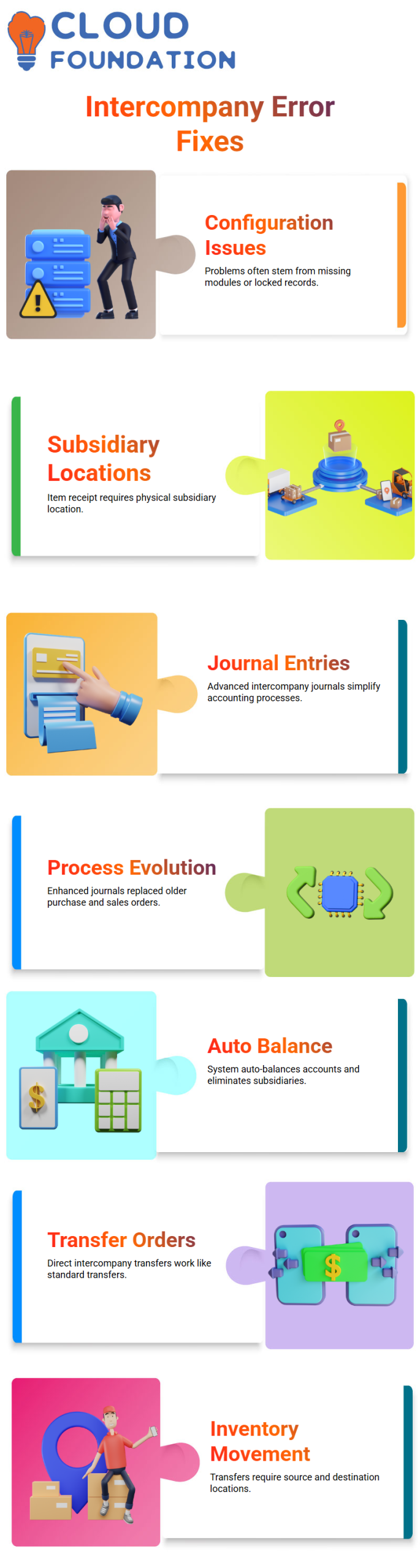
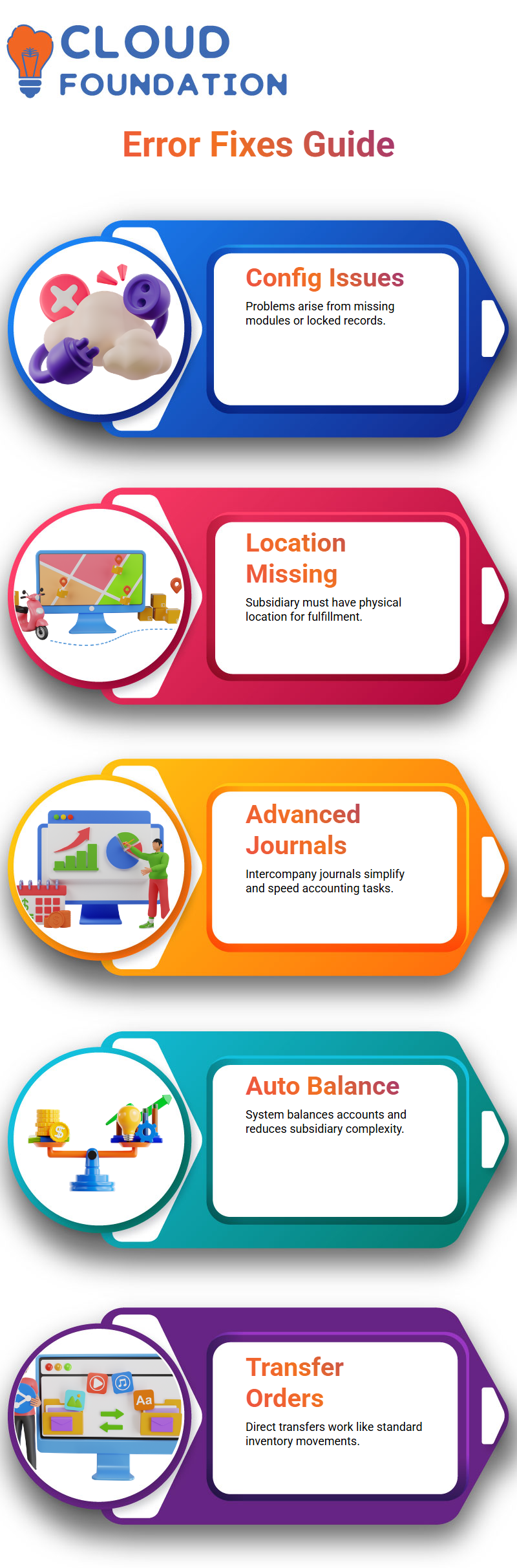
I occasionally have issues with NetSuite, such as missing modules or workflow-related records that are locked. These are typically configuration difficulties as opposed to system concerns.
Missing subsidiary locations is one of the most frequent NetSuite issues I encounter. NetSuite will not permit item receipt or fulfillment if the subsidiary lacks a physical location. I always make sure to double-check this during implementation.
NetSuite Intercompany Journals and Advanced Options
I frequently suggest advanced intercompany journal entries, even since NetSuite provides purchase orders and sales orders for intercompany accounting.
Once the setup is finished, sophisticated intercompany journals in NetSuite are quicker and simpler.
Purchase orders and intercompany sales orders were a major component of NetSuite in previous iterations. These days, NetSuite makes the entire accounting process simpler by providing us with enhanced intercompany journal entries, auto-balance accounts, and the elimination of subsidiaries.
NetSuite Intercompany Transfer Orders for Direct Movement
Teams occasionally ask me if direct transfers without purchase orders are permitted by NetSuite. Yes, is the response. Intercompany transfer orders from NetSuite function similarly to regular transfer orders.
I just chose the locations, source subsidiary, and destination subsidiary in NetSuite. NetSuite handles the transfer without any problems as long as there are locations. For businesses that have a lot of inventory, this option is really helpful.
Inventory Visibility in NetSuite
Inventory visibility is the first thing I always look for when working in NetSuite. Before I make a choice, I can easily view how many Apple Watches are available in the main branch in NetSuite.
I can prevent uncertainty and make sure I only move stock when it truly exists because of NetSuite’s clarity.
Because NetSuite provides me with real-time quantities at every branch, I rely on it. I can determine with precision whether the main branch has stock that is prepared for transfer thanks to NetSuite. Because of this assurance, NetSuite serves as the cornerstone of my daily inventory inspections.

NetSuite Functional Online Training
Managing Intercompany Transfers in NetSuite
I immediately start NetSuite for intercompany transfers after verifying availability. I can move goods between subsidiaries in NetSuite without having to guess or double-check spreadsheets. My approach is streamlined because everything remains within NetSuite.
I appreciate that NetSuite facilitates both organized intercompany flows and direct transfers. Because every transfer shows actual stock movement between businesses, I feel in control when I operate with NetSuite.
Handling Monthly Intercompany Transactions in NetSuite
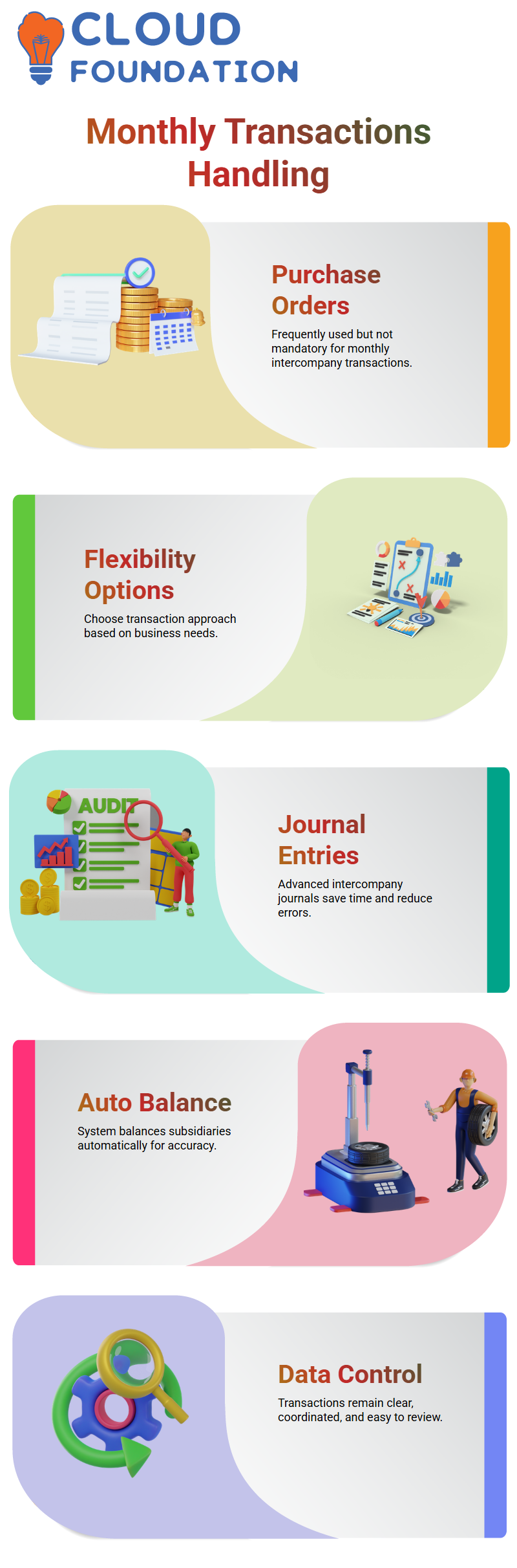
I am frequently asked if NetSuite requires us to use purchase orders for all intercompany transactions during monthly operations.
I know that purchase orders are frequently used, but they are not the only choice because of my experience with NetSuite.
I have flexibility with NetSuite. I can select the approach that best suits the business situation within NetSuite, particularly when managing monthly intercompany postings that occur on a regular basis.
Advanced Intercompany Journal Entries in NetSuite
The powerful intercompany journal entry capability in NetSuite is one of my favorite features. I don’t have to deal with manual entity balance with NetSuite. I just chose the option for enhanced intercompany journal entry.
When I use NetSuite, I click auto-balance after entering the from and to subsidiaries. I save time and cut down on errors since NetSuite automatically generates a balanced intercompany journal entry.
Auto-Balancing and Control with NetSuite
The auto-balance feature is what truly makes me trust NetSuite. I can concentrate on accuracy rather than calculations because NetSuite manages the credit and debit logic in the background.
I feel confident every time I work with intercompany data, thanks to NetSuite. Across subsidiaries, NetSuite maintains transactions that are clear, coordinated, and simple to review.

Netsuite Functional Course Price

Nishitha
Author