NetSuite Technical Training on Core Concepts
Validate Field in NetSuite Scripts
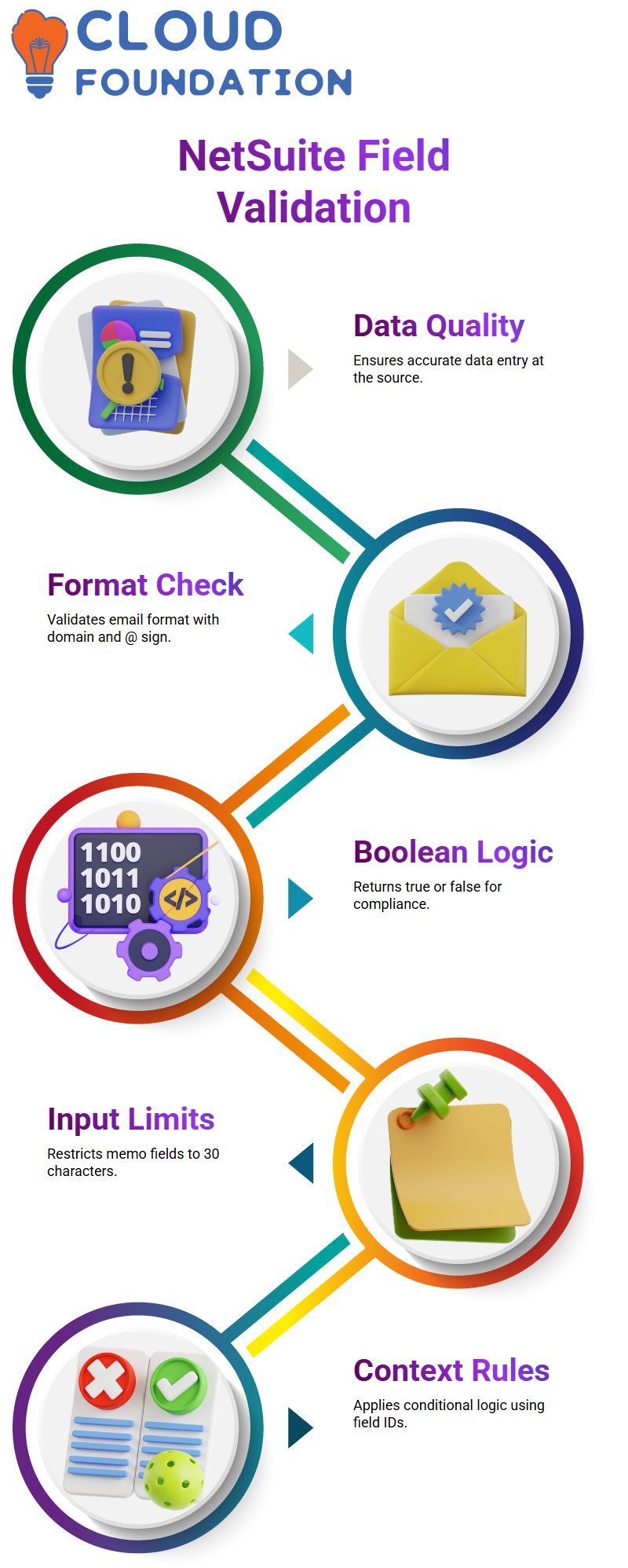
Validating fields allows you to manage data quality at the source.
Validate fields in NetSuite. Technical work is activated whenever a field value is changed. Because it enables me to prevent corrupt data from ever being stored, that timing is very effective.
I use a simple example to illustrate this. Consider an email address. As soon as a user modifies an existing record and the email, I want to make sure the format appears appropriately. I check the new value to make sure it has a domain like.com and an @ sign in NetSuite jargon.
I use the validate field method to return false if the format does not comply with my standards. Returning false in NetSuite Development allows me to halt the activity and display an alert. This method helps teams avoid making corrections later and maintain accurate data.
How Validate Field Logic Works in NetSuite Development
The validate field in NetSuite programming consistently yields a Boolean result. If the value is acceptable, I return true; if not, I return false. Because of its straightforward true-or-false style, NetSuite validation logic is simple to understand and update.
I urge Learners to verify field work at the field level whenever I develop NetSuite solutions. In NetSuite projects, the validate field is my first option if I want to limit input to a specified range, format, or maximum length.
For instance, I deal with requests to restrict memo fields to 30 characters directly in the validation field. I measure the length, verify that it is a memo, check the field ID, and return false if it is longer than the allotted amount in NetSuite scripts.
Script Context Parameters in NetSuite Scripts
A script context object is sent to each NetSuite validate field method. I usually take my time going over this since it has all the information I need to figure out what changed.
I can see the current record, field ID, sublist ID, line number, and even column data in the NetSuite context. When working with header-level fields, I usually concentrate on the field ID.
In a NetSuite script, I use conditional logic to apply various rules to different fields. I apply one rule, see whether the field ID matches one value, and then do the same for the remaining fields. This NetSuite pattern is widely used and useful. 
Field Change vs Validate Field in NetSuite Use Cases
The distinction between a validated field and a field modification is one question I often hear during NetSuite training. I describe it this way: field change responds to the value when it changes, while the validate field determines if a value is permitted.
Field changes in NetSuite work do not determine if a value is correct or incorrect. Rather, I utilise it to carry out other tasks. I changed another item on the record after taking a look at the new value.
In a NetSuite example, for example, I may automatically tick a relevant checkbox whenever a user changes the note field and inputs a certain term. The field change, not the validation field, is where that logic resides.
Practical Examples of Field Change in NetSuite Scripts
I like to make my demonstrations of NetSuite field changes realistic. I instruct Learners to visualise a memo field that controls other form behaviour.
I examine the field ID in a NetSuite script to see whether the value of the memo field has changed. I read the updated value after that. I programmatically change another field if that value corresponds to a condition I care about.
This method demonstrates how operations may be automated in NetSuite field change logic without obstructing user input. I reply intelligently after allowing users to freely input data.

NetSuite Training

Post Sourcing Explained in NetSuite Development
Logic that executes when one field automatically retrieves its value from another is what I refer to as post-sourcing.
Customers and subsidiaries are included in a standard NetSuite demonstration. I want the subsidiary area to automatically fill up when I choose a client. This conduct is entirely consistent with post-sourcing.
List-type fields are ideal for post-sourcing in NetSuite scripts. NetSuite fills up the dependent field and initiates the post-sourcing procedure when the source field changes.
How Post Sourcing Interacts with Field Change in NetSuite
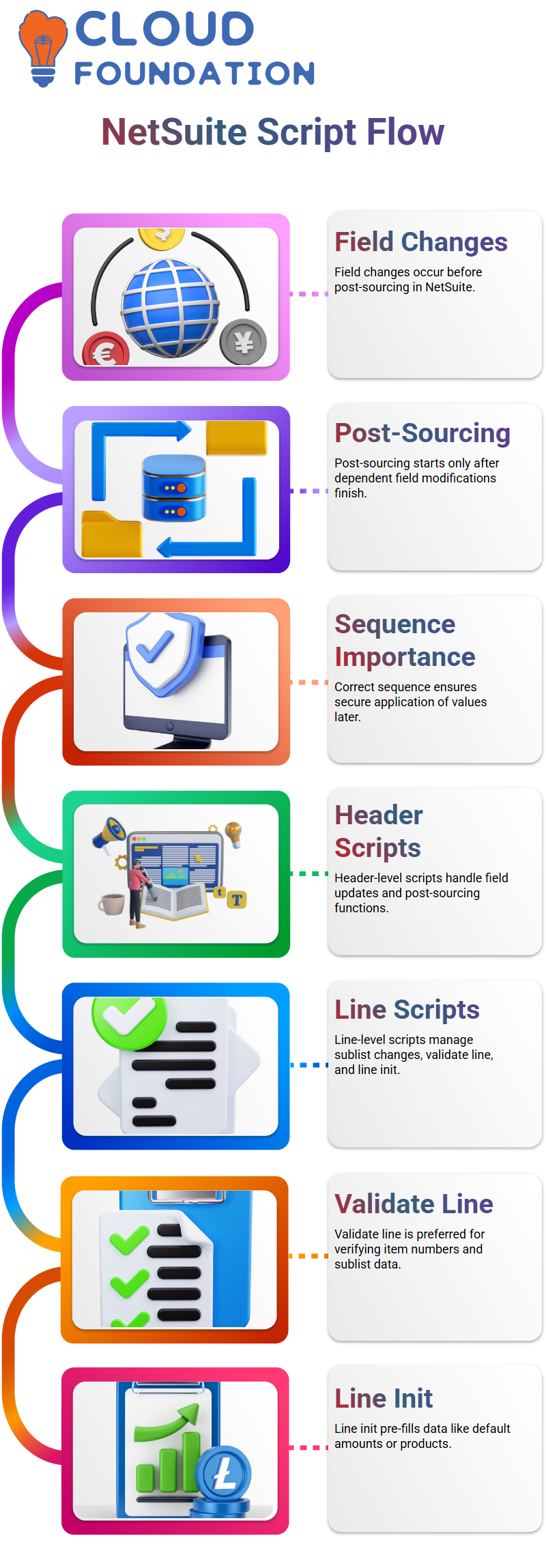
I always make it clear that field changes occur before post-sourcing in the NetSuite flow. NetSuite doesn’t start post-sourcing until all dependent field modifications are finished.
In the technical design of NetSuite, this sequence is important. In order for post-sourcing to securely apply its values later, I make sure my field change logic ends cleanly.
NetSuite developers may prevent misunderstandings and unexpected behaviour when several fields interact with one another by comprehending this sequence.
Header Level vs Line Level Scripts in NetSuite
Up to this point, I typically describe how NetSuite scripts verify field, field update, page init, and post sourcing functions work at the header level.
Next, I provide NetSuite Development’s line-level counterparts. These consist of sublist change, validate line, and line init. The scope changes to individual lines, but the ideas remain the same.
In NetSuite projects, I always utilise the validate line rather than the validate field when I wish to verify item numbers, rates, or other sublist data.
Applying Line-Level Logic in NetSuite Projects
Sublist changes in NetSuite scripting function similarly to field changes, but at the line level. When one line value should influence another, I utilise it.
When a new line is inserted, NetSuite’s line init feature lets me prefill data. Setting default amounts, products, or descriptions is a good usage for this.
I create strong NetSuite solutions that direct users and minimise mistakes without slowing them down by f header-level and line-level logic.
Validate Delete and Validate Insert Explained with NetSuite Scenarios

I am often asked about verifying deletion and validating insert in NetSuite training. To be honest, I don’t often utilise validate delete in NetSuite production setups. Although it is uncommon in live systems to delete records or lines, NetSuite nevertheless allows you to have control over the process.
The validate delete function in NetSuite is activated when a line is removed from a sublist. That’s when I can use my own reasoning. I return true if the reasoning is correct; otherwise, I return false and prevent the deletion. This provides fine-grained control over data integrity for NetSuite developers.
Verify insert functionality in NetSuite similarly. This method is invoked when you click Add after adding a new line to a sublist. Only when I want to verify the complete line rather than just one field do I utilise it. Validate inserts remain uncommon since most NetSuite initiatives rely on validate lines or validate fields to complete the task.

NetSuite Online Training
Page Init Logic on Sales Orders in NetSuite
The page init function on a sales order is one of my favourite NetSuite training examples. When a new sales order loads, I demonstrate below how to create a default customer. The context parameter in NetSuite lets me know whether the record is in edit or creation mode.
I utilise NetSuite page init logic to automatically set the customer field whenever I generate a new sales order. The internal ID that NetSuite creates for each entry is what I depend on. NetSuite ensures that this internal ID is unique across the system and functions similarly to a primary key.
I usually clarify that internal IDs are handled automatically by NetSuite. That internal ID is never used again by NetSuite, even if a transaction is deleted. Learners may better relate NetSuite scripting to the principles of databases by comprehending this idea.
Save Record and Validate Field Techniques in NetSuite
NetSuite excels in enforcing business standards when it comes to saving records. In my example, before enabling a sales order to save, I make sure the customer field is there. If the customer is missing, I immediately show an alert. I always welcome this kind of frank feedback at NetSuite Solutions.
When instructing novices, I prefer NetSuite’s straightforward notifications over complex mistake objects. The rationale is kept clear and simple with an alert such as “Customer is missing, please add a customer.” This freedom is provided by NetSuite, and I make deliberate advantage of it.
I show how NetSuite responds when an item line’s quantity is changed to verify the field. After verifying the field name and sublist ID, I apply a quantity rule. With this method, NetSuite verifies user input immediately rather than waiting for the record to save.
Validate Field Logic Explained with NetSuite
For instance, I just return false if the quantity value is less than three. This NetSuite method prevents malicious data from accessing the system and instantly stops the user.
Technically speaking, I verify that the field ID is quantity and that the sublist ID is item in NetSuite. I return false if the amount is less than or equal to two. I return true otherwise. You will utilise this NetSuite validation technique again since it is quite useful.
Making Code Modular in NetSuite Scripts
Writing understandable and modular code is what I emphasise in my NetSuite training. I like to save the amount value in a variable rather than putting all the logic within a single large if statement. Debugging and maintenance are made much easier by this little NetSuite practice.
I use currentRecord.getCurrentSublistValue to acquire the amount in this NetSuite example, and I then apply conditions to that variable. Learners see how clear correctly written NetSuite code may be after seeing this structure.
Current Record Module Usage in NetSuite
Additionally, I explained a crucial NetSuite difference between the record module and the present record module. Since the current record module uses data that has already been put into the user interface, I always utilise it in NetSuite client scripts.
I can access APIs like get Value, set Value, getCurrentSublistValue, and setCurrentSublistValue in the NetSuite current record module. I can easily modify body-level and sublist-level fields from the browser thanks to these APIs.
Field Change Events in NetSuite
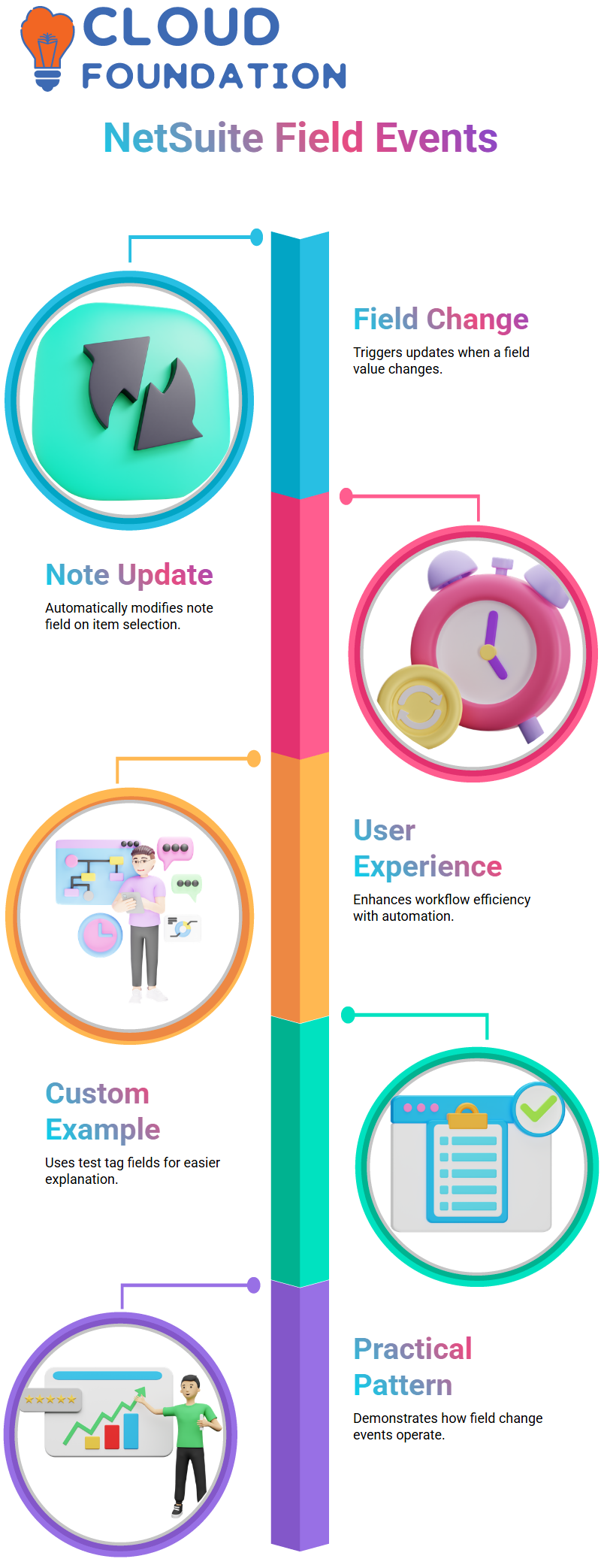
I went on to Field Changed, another potent NetSuite event, after validating Field. Here, I demonstrated how the note field may be automatically updated when an item on a sales order is selected. The user experience is immediately enhanced by this kind of NetSuite automation.
I built a custom example with test tag fields to make the explanation easier to understand. When a value in one field in NetSuite changes, I take note of it, alter it, and then enter it into another field. Learners get a thorough how field change events really operate with the aid of this practical NetSuite pattern.

NetSuite Course Price

Vanitha
Author