Online Training on NetSuite Workflows
NetSuite Workflows
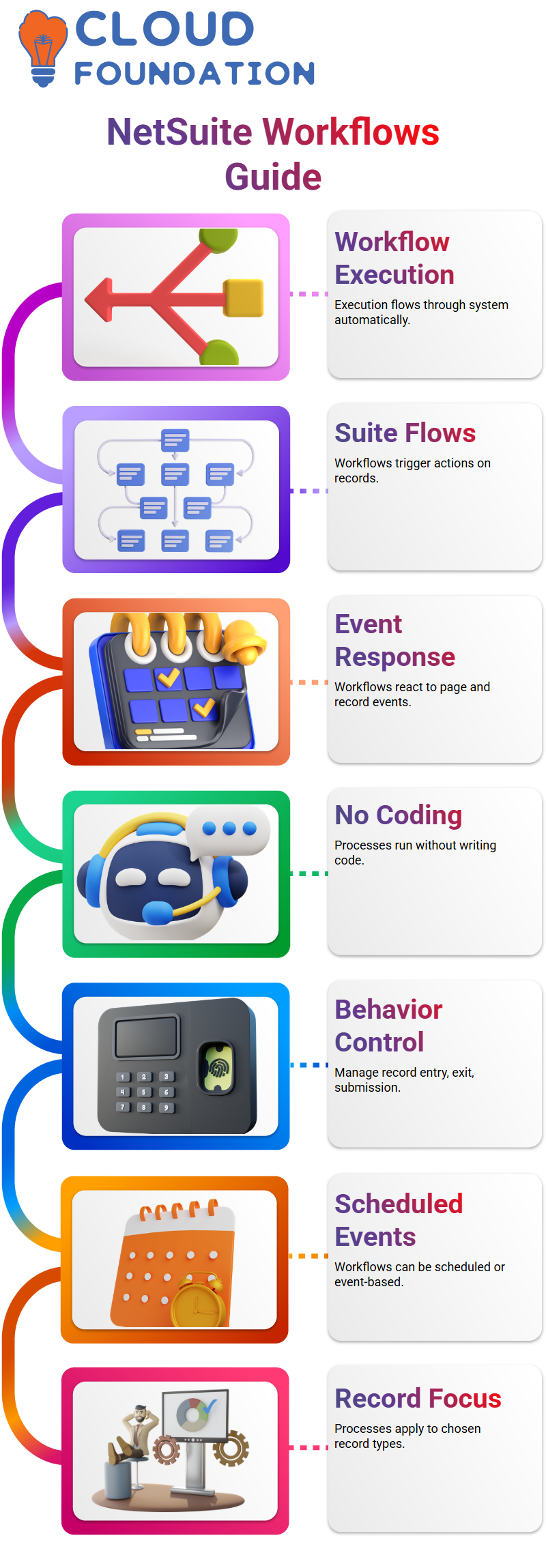
I always begin by discussing how execution moves through the system when I present workflows in a NetSuite session.
Workflows are commonly referred to as Suite Flows in NetSuite terminology, and I utilize them whenever I want the system to take an action automatically when something occurs on a record.
Although these events function similarly to user event scripts, the main benefit of NetSuite processes is that I don’t have to write code.
To regulate behavior during record entry, record exit, and record submission, I rely on NetSuite processes.
The NetSuite workflow listens and reacts precisely as configured each time an execution flow occurs.
How I Design NetSuite Workflow Execution and Events
I consider a NetSuite process to be similar to a traditional flow diagram. I establish an entry point, specify phases, impose conditions, and manage the process’s progression.
This method enables Learners to immediately relate fundamental software logic to NetSuite procedures.
I may select whether the NetSuite workflow is scheduled or event-based when I set it up. While event-based processes start when you create, modify, or view something, scheduled NetSuite workflows execute at a set time.
I frequently use Customization, process, and the creation of a new process to illustrate NetSuite workflows.
I choose the record type at this point, like transactions, and then focus on a particular subtype, like a sales order.
Configuring NetSuite Workflow Initiation and Conditions
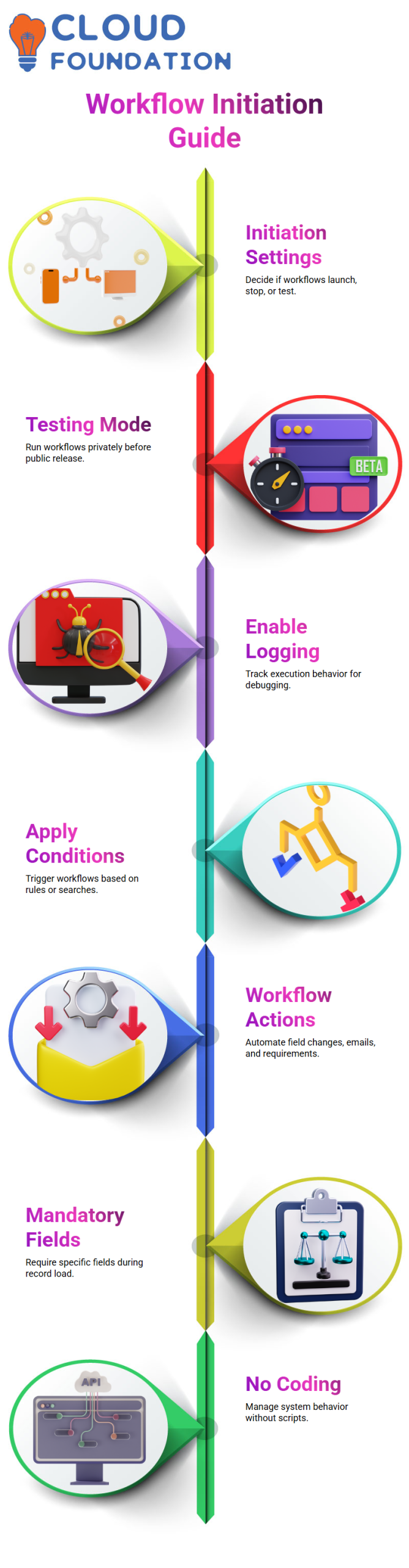
Initiation settings are crucial to any NetSuite workflow. I make the decisions on whether the process is completely launched, stopped, or undergoing testing.
Testing mode in NetSuite environments enables me to initiate workflows exclusively for my users before making them available to the public.
In order to monitor execution behavior later, I additionally enable logging in NetSuite workflows.
When I need to debug unexpected outcomes or make sure the workflow is operating as intended, this comes in quite handy.
Another effective component of NetSuite processes is conditions. I don’t need to write a script to apply conditions.
For instance, only when a date field satisfies a particular rule or when a stored search yields data that matches can I initiate a NetSuite workflow.
Applying NetSuite Workflow Actions in Real Scenarios
I start with actions when I’ve finished specifying events and conditions. NetSuite workflows excel in this situation.
I may include features like automatically changing field values, sending emails, and making a field mandatory.
I set up a process in one NetSuite example to require the Memo field to be filled out on a transaction when the record loads.
When the user opens the record, the field becomes required right away because I selected the before record load trigger.
Because it demonstrates how rapidly functional changes can be implemented, I prefer to utilize this example in NetSuite classes.
NetSuite workflow actions, I manage system behavior without writing code.
Strengths and Limits of NetSuite Workflows in Practice
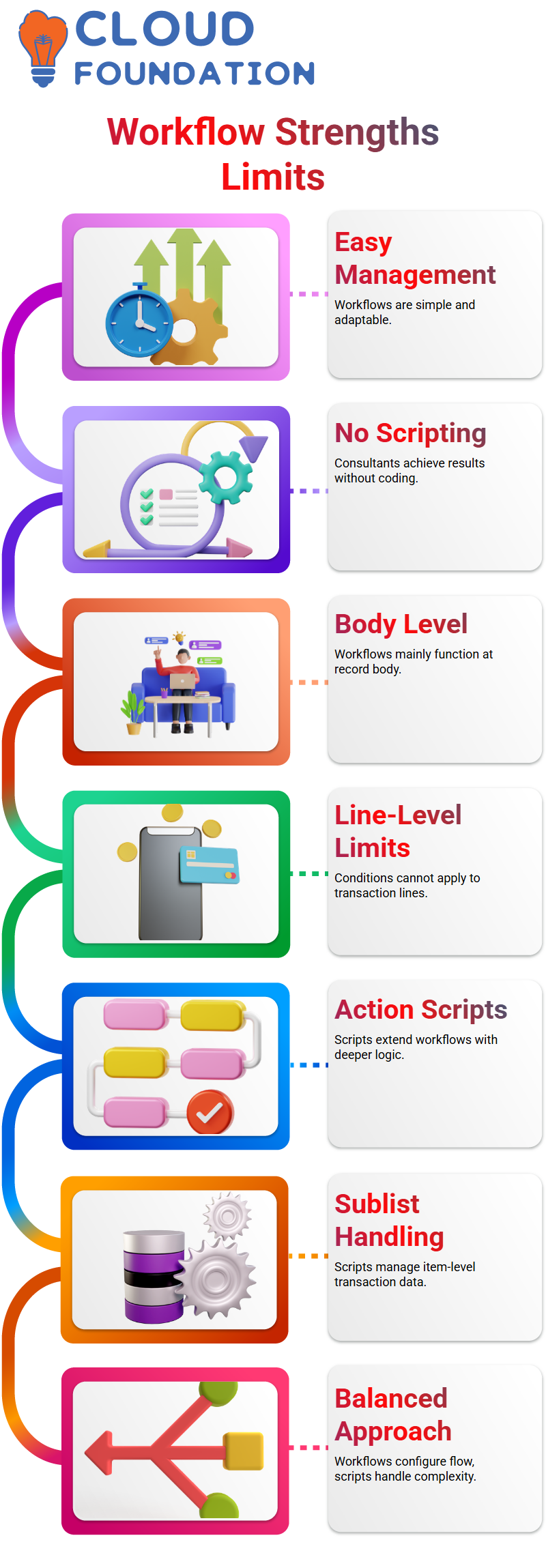
NetSuite workflows are very easy to manage and very adaptable.
Without depending on scripting, functional consultants may work with NetSuite procedures with confidence and produce excellent outcomes.
But I also draw attention to NetSuite processes’ shortcomings. The inability to apply conditions to line-level fields in transactions is a major drawback.
The majority of NetSuite workflows function at the body level.
Learners can choose whether to use NetSuite workflows and when to switch to scripting solutions for more complicated tasks by being aware of these advantages and disadvantages.

NetSuite Training

How I Extend Workflows with NetSuite Workflow Action Scripts
I frequently run across constraints when working with workflows. Deeper logic is not handled by standard actions, which cover buttons, emails, and field updates.
I fill this gap in NetSuite projects by including a workflow action script. When business logic exceeds what the workflow manager provides, I employ this NetSuite technique.
I trigger a script on the same event and attach it straight to the workflow. This indicates that while my custom logic operates in the background, my NetSuite workflow still governs the process.
To reroute users, invoke custom logic, or carry out checks that workflows alone are unable to manage, I rely on this NetSuite solution.
I view the script as the NetSuite engine and the workflow as the functional layer. This balance allows me to handle the complex NetSuite logic in code while functional consultants configure the majority of the flow.
Why Sublist Logic Requires NetSuite Scripting
Sublist handling is a major factor in my use of NetSuite workflow action scripts. I am unable to create robust criteria on the sublist fields workflows.
In order to read each line item and base my decisions on actual transaction data, I transfer that logic into a script in NetSuite Development.I frequently verify line-level quantities, for instance. I examine values that the workflow cannot directly access by looping through each item line in NetSuite scripting.
I have control over item numbers, sales order lines, and other sublist data thanks to this NetSuite solution.
The first thing that comes to mind when I see complicated sublist criteria is NetSuite terminology.
Since I am aware that the process by itself cannot handle that level of detail, I combine NetSuite scripting with configuration to satisfy the requirement.
The OnAction Function in NetSuite Scripts
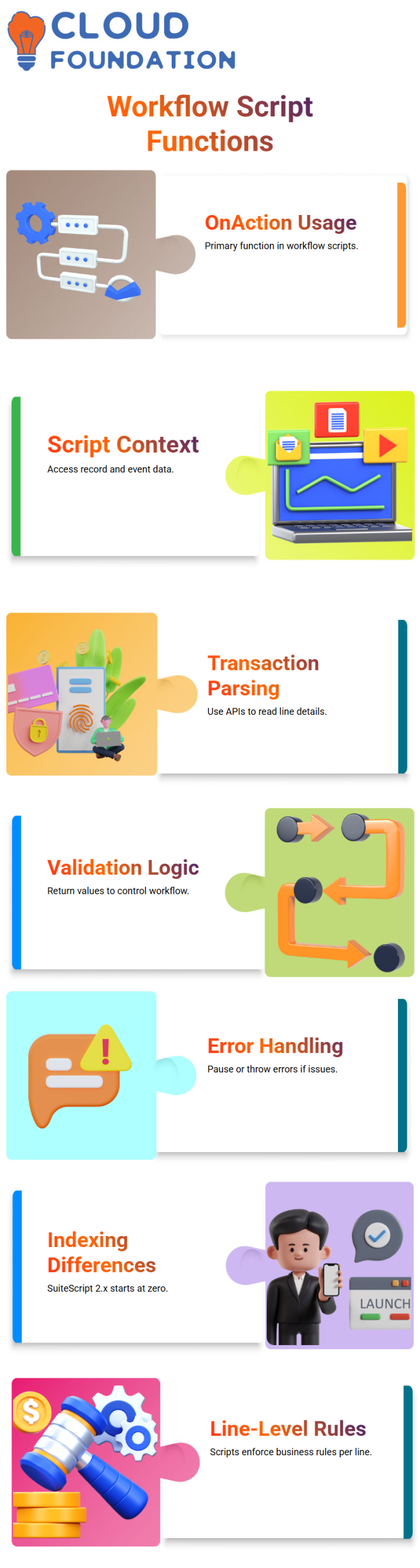
I only use onAction as the primary function in a NetSuite workflow action script. It reminds me a lot of a user event script.
Like other server-side scripts, I get the script context, the new record object, and event data from the NetSuite structure.
I use context to access the record. My NetSuite code contains a new Record. After that, I parse transaction lines APIs like get Line Count and get Sublist Value.
I may validate or modify data while executing a workflow with the aid of this NetSuite pattern.
I return false or zero if my NetSuite logic detects a problem, such amount equal to zero.
After reading that NetSuite response, the workflow either pauses the process or throws an error.
I return true or one if everything appears to be in order, and the NetSuite workflow proceeds without incident.
Line Indexing Differences I Handle in NetSuite Development
I always keep in mind a crucial NetSuite distinction between SuiteScript versions when I construct loops.
Indexing in Suite Script 2.x begins at zero. Indexing begins at one in older NetSuite scripts created with 1.0.
Ignoring this little NetSuite issue could cause logic to break. My NetSuite loop in 2.x goes from 0 to 3 if a transaction includes four lines.
I run the loop less than the entire count of the NetSuite API’s gallinacean function. My NetSuite validation is accurate for each line thanks to this method.
I retrieve the quantity from the item sublist inside the loop. I can enforce business rules at the line level, this NetSuite step, which is something I can’t accomplish with workflow conditions alone.
How I Deploy and Attach NetSuite Workflow Action Scripts
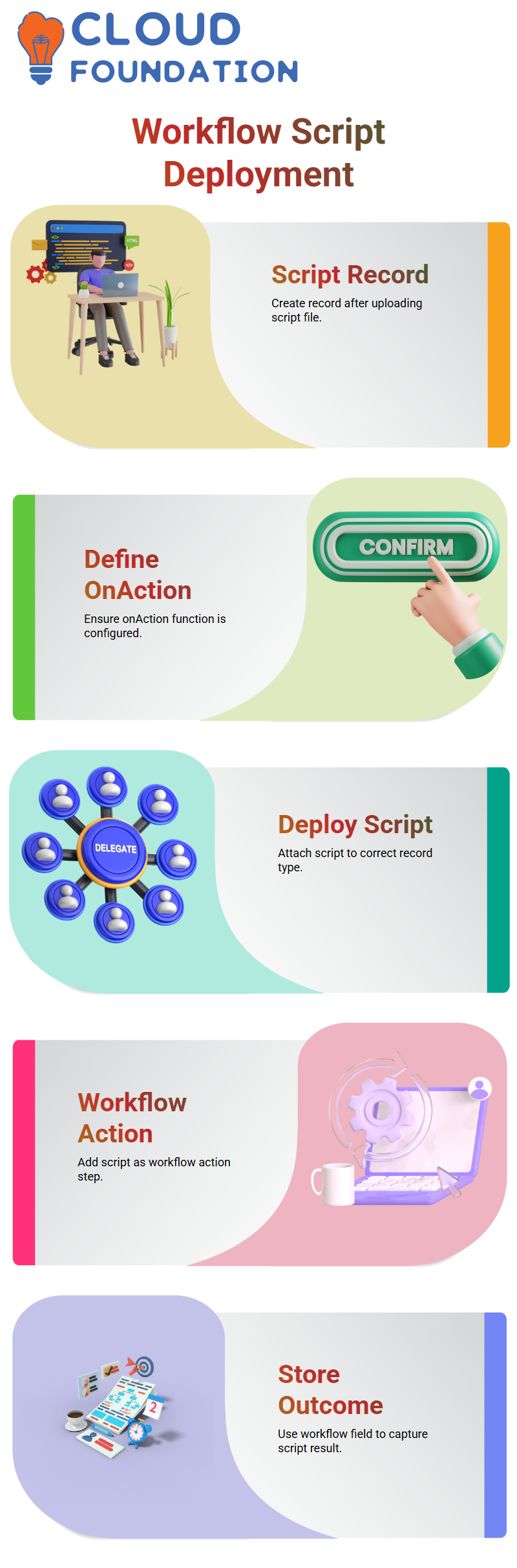
I make a script record after writing the script file and uploading it. I select the workflow action script type and make sure the onAction function is defined in my NetSuite configuration.
The NetSuite script is then deployed to the appropriate record type, such as Sales Order.
I then add a new action after opening the workflow. From the list, I choose my NetSuite workflow action script.
I add a workflow field, often a checkbox, to store the NetSuite outcome because my script returns true or false.
This NetSuite setup connects process behavior to script output. In NetSuite installations, I frequently employ this technique since it simplifies operations while granting me complete code control.
NetSuite Custom Action and Script Logic
Allow me to demonstrate my approach to the script portion of NetSuite processes. I select the custom action that leads straight to the deployment of my script.
Since NetSuite procedures require exact configuration, I purposefully connect the script rather than relying on guesswork.
I’ve noticed that the outcome of my NetSuite effort is not acting as I had anticipated. I don’t freak out when it does.
Since missing parameters are a prevalent problem in NetSuite design, I question myself right away what parameter is missing.

NetSuite Online Training
NetSuite Parameter Creation with Real Intent
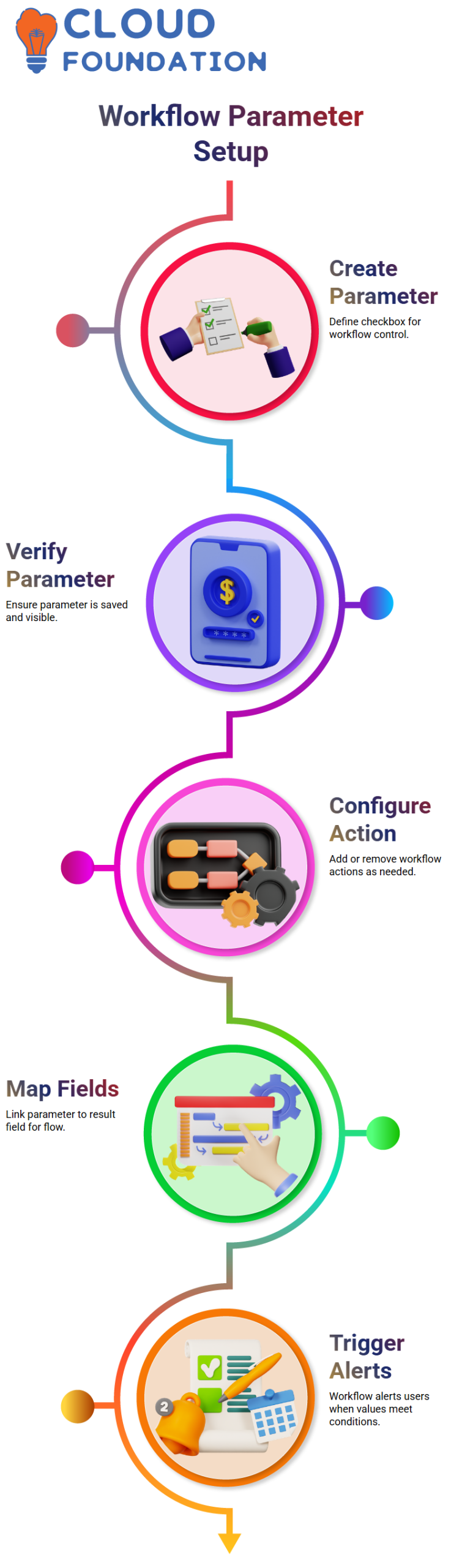
Now that I’ve created a new parameter, NetSuite expertise is crucial. I purposefully set a checkbox for the test parameter that I define.
This decision was not made at random; checkboxes are ideal for control logic in NetSuite workflows.
I verify the parameter again after saving it. Every time I work on a NetSuite project, I make sure the parameter is there and visible.
I never advise skipping this step in a NetSuite context since it results in needless bugs.
NetSuite Workflow Action Configuration
Upon completion of the parameter, I return to the workflow. I add a new action and remove what I don’t require.
To get clean results in this NetSuite scenario, I employ a refresh or store action.
Next, I link the test parameter to the result field by mapping it. Because the value field regulates the flow of data, this phase is essential to NetSuite workflows.
I often remind them that thorough field mapping is the key to NetSuite success.
NetSuite Trigger Behavior
The NetSuite process becomes effective at this point. On entering, I configured the workflow to start.
This implies that NetSuite logic starts working right away when a record satisfies the requirement.
In my NetSuite example, the workflow instantly raises an alert anytime a user enters a value of zero.
Because NetSuite automation should direct users rather than perplex them, I designed it in this manner.
NetSuite Alerts and Practical Use Cases
Alerts demonstrate how NetSuite workflows interact with users, which is why I appreciate them.
The system notifies the user of the specific issue when the alert is triggered. I maintain the usability of NetSuite implementations in this way.
I remind Learners that NetSuite workflows are more than simply technical items each time I go over this in class. They make choices.
When properly designed, NetSuite solutions actively safeguard business rules and data quality.

NetSuite Course Price

Nishitha
Author