NetSuite Training on REST and Script Integration
Getting Started with NetSuite REST Access
I always begin by going over the fundamentals of access when I explain NetSuite principles.
Since NetSuite work is never theoretical, I often require my Learners to open NetSuite in addition to the tool they are.
The URL, the tenant, and a precise knowledge of the location of the REST API are required.
In order to witness every request and reaction in real time, I personally like to work directly on NetSuite tasks.
I clarify that REST to contact NetSuite requires discipline since I deal with NetSuite integrations regularly.
The right method, the right URL, and above all, the right authentication is required.
Because even a little configuration error might prevent everything from working, NetSuite troubleshooting often begins here.
OAuth in NetSuite Integrations
OAuth 1.0 is often used for NetSuite authentication, and I make sure Learners get why. Four values are required: access token, token secret, consumer key, and consumer secret.
These values serve as your identification in NetSuite work. I always make sure to double-check them.
I personally take great care while selecting the signature technique when configuring OAuth for NetSuite APIs.
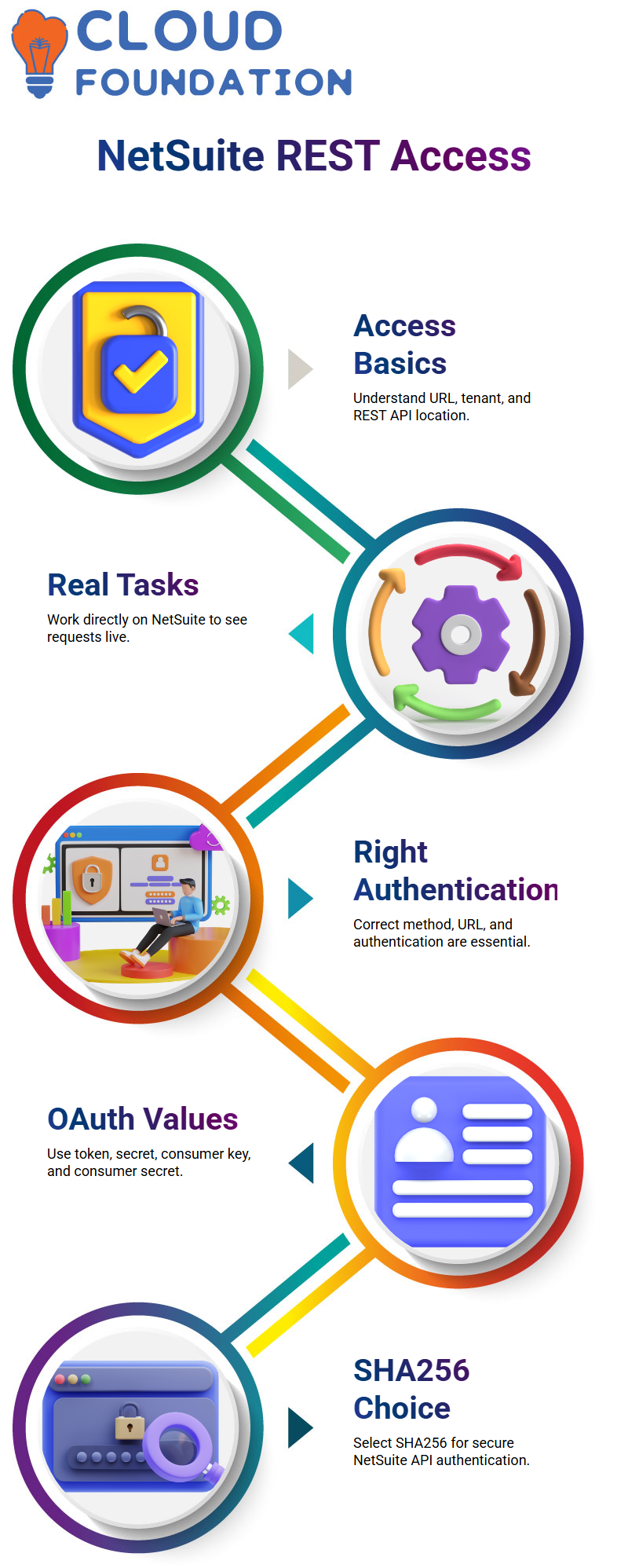
In the majority of NetSuite setups, I advise SHA256.
Because NetSuite authentication links each request to a particular account, I also encourage them to specify the account ID correctly.
NetSuite APIs will just reject the call with little to no explanation if authentication fails.
Making a GET Request in NetSuite RESTlets
I start GET requests as soon as authentication is complete. I often demonstrate how to retrieve a customer record in NetSuite demonstrations.
I clarify that parameters like script ID, deployment ID, record type, and record ID are expected by NetSuite RESTlets. The NetSuite APIs are rigid; this structure is not optional.
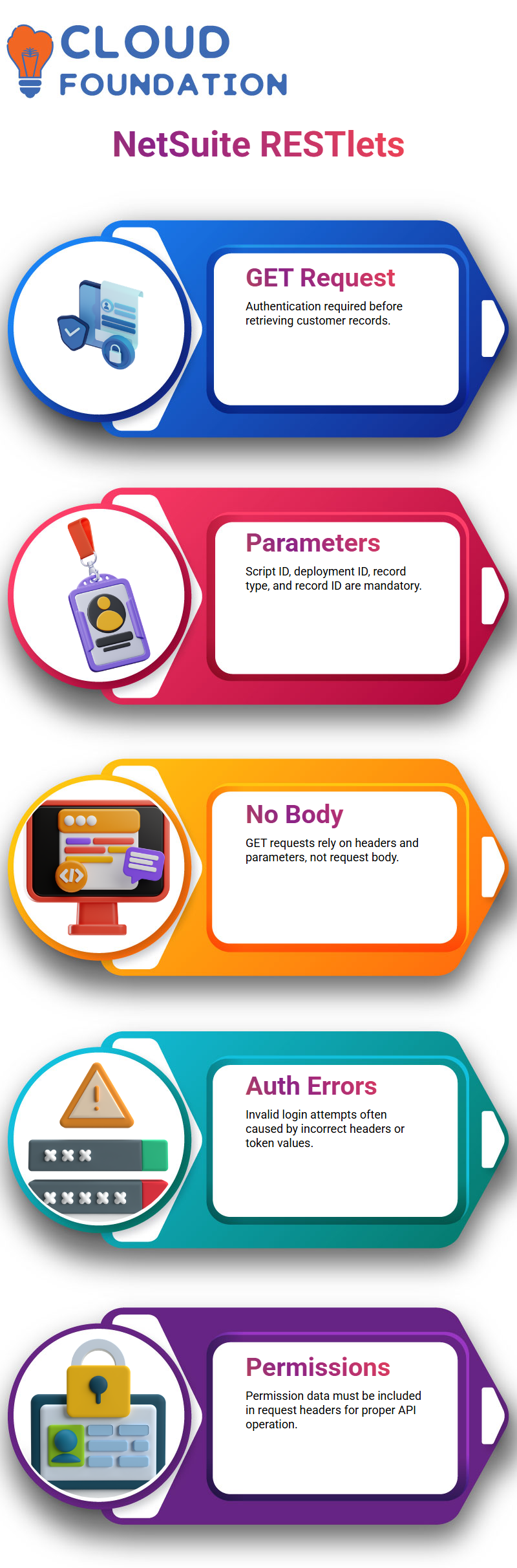
I usually explain to Learners that a request body is not necessary for NetSuite GET requests. Rather, the hard lifting is done by headers and parameters.
I often see individuals adding superfluous body information in NetSuite debugging, which results in mistakes. NetSuite calls are predictable and simpler to troubleshoot when they are kept clean.

NetSuite Training

Fixing Authentication Errors in NetSuite APIs
The “invalid login attempt” error is among the most frequent problems I see during NetSuite sessions.
I instantly check the header settings, token values, and spaces when it occurs. Even a trailing space may compromise authentication in NetSuite operations.
I also stress how crucial it is to note where permission data is added.
It is essential to provide permission information in request headers for NetSuite REST calls. Because NetSuite APIs operate differently based on these choices, I explain this in detail.
The majority of NetSuite authentication issues go away when Learners resolve this.
Validating Responses in NetSuite REST Calls
I take the time to describe the results when a request eventually receives a 200 answer.
It’s just half the work to acquire data in NetSuite implementations. Make sure that the format of the answer complies with the requirements.
I often demonstrate how NetSuite replies are impacted by JSON.stringify.
I advise Learners to experiment with the NetSuite RESTlets’ GET and POST methods.
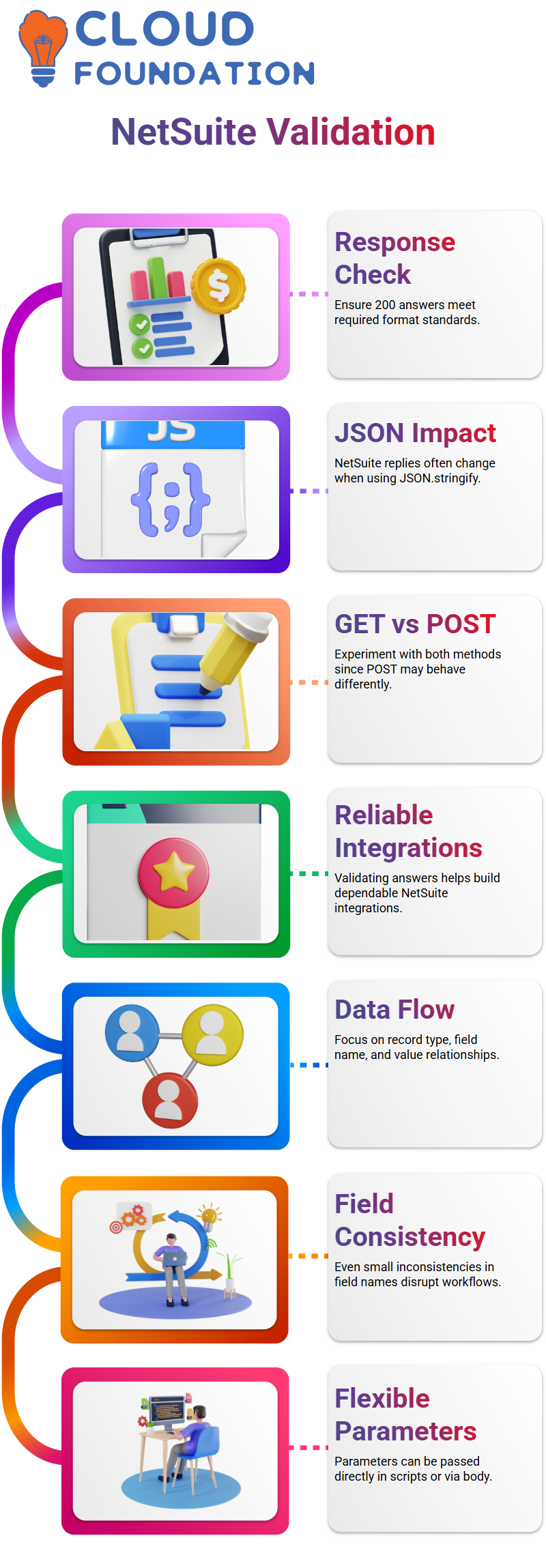
Even if GET functions well, POST may act differently.
Validating answers in NetSuite development aids in the creation of reliable integrations and gets you ready for situations when data structures are important in the real world.
API Requests in NetSuite
Everything in NetSuite work becomes more apparent after you comprehend the relationship between record type, field name, and field value.
I often explain to teach Learners that NetSuite is more about clearly thinking about data flow than it is about learning code by heart.
In this NetSuite example, I am choosing which field to update after explicitly supplying the kind of customer record.
Speaking aloud, testing values, and demonstrating how NetSuite logic operates in real time are all ways I approach NetSuite training sessions.

NetSuite Online Training
Passing Field Names and Values in NetSuite Scripts
Before assigning the value, I normally take a moment to consider the field name while working on NetSuite scripts.
This phase is crucial in NetSuite projects since even a little inconsistency might disrupt the workflow.
When testing, I personally like to provide the field name as email, as it increases the visibility of NetSuite debugging.
Additionally, I tell my Learners that flexibility is possible in NetSuite scripting.
Parameters may be sent directly inside the script or via the body. Instead of making people feel trapped, I want them to feel comfortable exploring when I show them NetSuite rationale like this.
Debugging and Logs in NetSuite Development
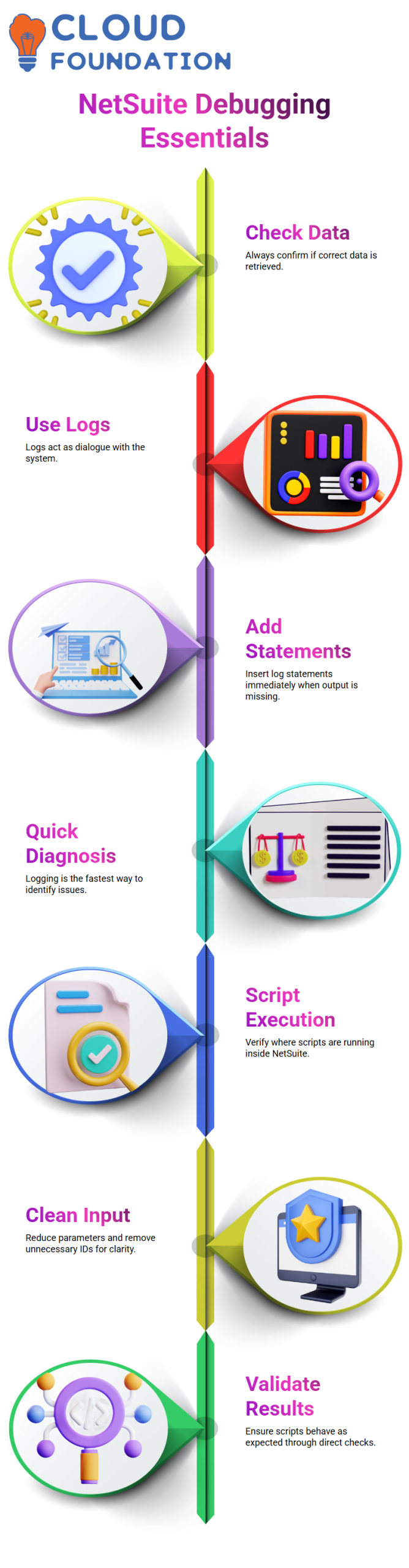
Where NetSuite talents really shine is in debugging. I constantly ask: Are we getting the correct data? Can you see the logs? Can you hear me? I depend on logs a lot in NetSuite Development since they function as your dialogue with the system.
I add a log statement right away if I see that nothing appears. Years of NetSuite expertise are the source of this tendency.
I want pupils to realised that logging is the quickest approach to figure out what’s going on and that NetSuite difficulties are common.
Executing Scripts and Validating Results in NetSuite
During NetSuite sessions, I often hear the question, “Where is the script actually executing?” I often launch NetSuite and provide a live walkthrough of the execution process.
Instead of speculating, this practical approach encourages users to trust the NetSuite process.
I provide a practical element to NetSuite learning by verifying execution directly inside NetSuite.
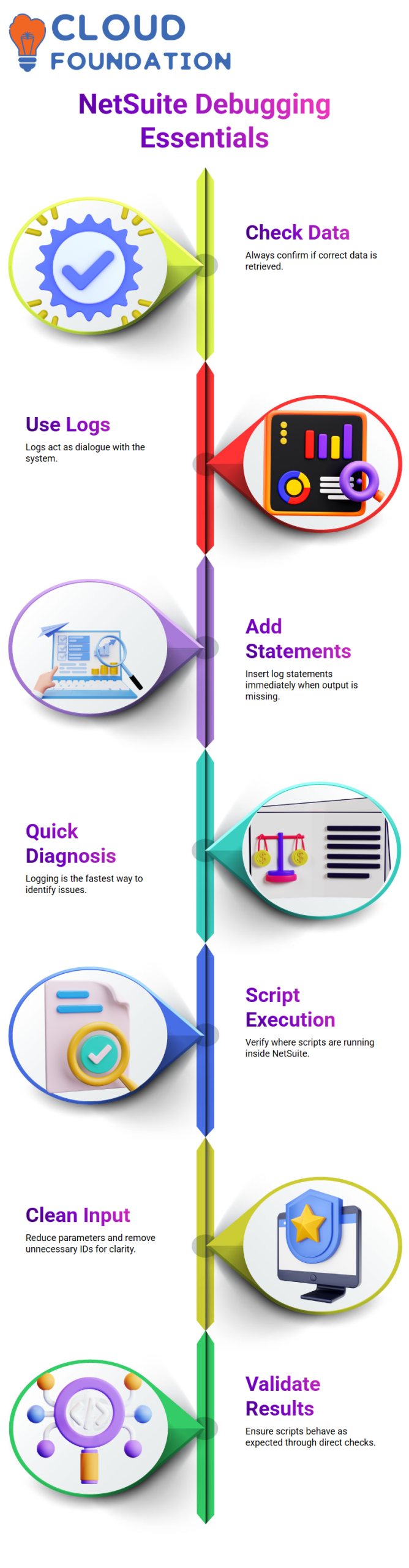
I reduce parameters, eliminate superfluous IDs, and concentrate on clean input. I personally make sure NetSuite scripts act in the manner I anticipate by doing this.
Learning by Doing with NetSuite Examples
I really feel that unrestricted experimentation enhances NetSuite’s technical abilities. My true teaching technique is when I say, “Let me draw a line so you can see the log.”
When you approach NetSuite as a dialogue with the system, it becomes less daunting.
I urge Learners to experiment, delete, add, and try again in each NetSuite walkthrough.
Compared to passive learning, this active technique creates confidence much more quickly and is similar to how I work on actual NetSuite projects every day.

NetSuite Course Price

Vanitha
Author
The capacity to learn is a gift; the ability to learn is a skill; the willingness to learn is a choice