NetSuite Technical Online Course
Script Parameters in NetSuite Technical Development
Script parameters are among the first things I personally concentrate on when it comes to NetSuite technical programming.
I always remind Learners that parameters provide scripts’ flexibility and reusability.
As a best practice for NetSuite Technical projects, I pass parameters and control behaviour dynamically rather than hardcoding values.
I demonstrate in detail how to construct a script parameter and then read it inside the script in this session.
In NetSuite Technical scheduled scripts, where I load a stored search and cycle over the results without manually loading data one at a time, this method becomes extremely crucial.
Search Execution and Data Parsing in NetSuite Technical Scripts
I proceed to search for execution after configuring parameters, which is a fundamental ability in NetSuite technical development.
After loading and running a stored search, I go through the results. Developers can really grasp how NetSuite Technical manages massive data processing at this point.
In this instance, I deal with sales orders that have not yet been fulfilled. I put them through a search and get them ready for change.
I constantly emphasise how performance in NetSuite Technical scheduled scripts is strongly impacted by effective search utilisation.
Record Transform API Explained in NetSuite Technical Context
One of the most crucial APIs for NetSuite technical development, in my opinion, is the transform API.
I illustrate it a real-world user interface comparison so that Learners can see what goes on behind the scenes.
“record” in NetSuite technical terminology. I can change one transaction into another the transform.
I convert a sales order into an item fulfilment in this instance.

I provide the sales order’s internal ID along with the from and to record types. Many NetSuite Technical automation use cases are built on that basis.
Fulfilment Logic in NetSuite Technical Automation
A user hits the Fulfil button from the user interface, but I utilise records in NetSuite Technical scripts to programmatically do the same thing.
NetSuite Technical automatically adds the necessary fields to the item fulfilment record when the transformation is complete.
If complete fulfilment is supported by the business process, I only keep the record.
I update line-level amounts before saving if partial fulfilment is enabled, which is a frequent NetSuite technical need.
Handling Partial Fulfilment with NetSuite Technical Scripts
I see partial fulfilment in a lot of NetSuite technical solutions. I usually use straightforward math to make it seem realistic.

If there are two of an item and only one is available, I fulfil one and put the other one off.
This entails operating at the item subsist level in NetSuite Technical scripts.
I set the fulfilled amount appropriately and have control over which lines are fulfilled.
I never manually update sales order data like amount fulfilled and quantity invoiced since NetSuite Technical does it for me.

NetSuite Training

Sales Order Status Flow in NetSuite Technical Scenarios
Because NetSuite Technical developers need to comprehend status transitions in order to provide reliable reports, I also take the time to explain them.
The order remains awaiting fulfilment. It goes to partly fulfilled after a partial shipment, and to awaiting billing after a full shipment.
I often depend on the amount and quantity fulfilled columns in NetSuite Technical reporting situations.
I am aware that the order is partly completed if there is a discrepancy between them. When creating scheduled scripts and saved searches in NetSuite Technical projects, this logic comes in very handy.
Mandatory Fields and Sublist Updates in NetSuite Technical
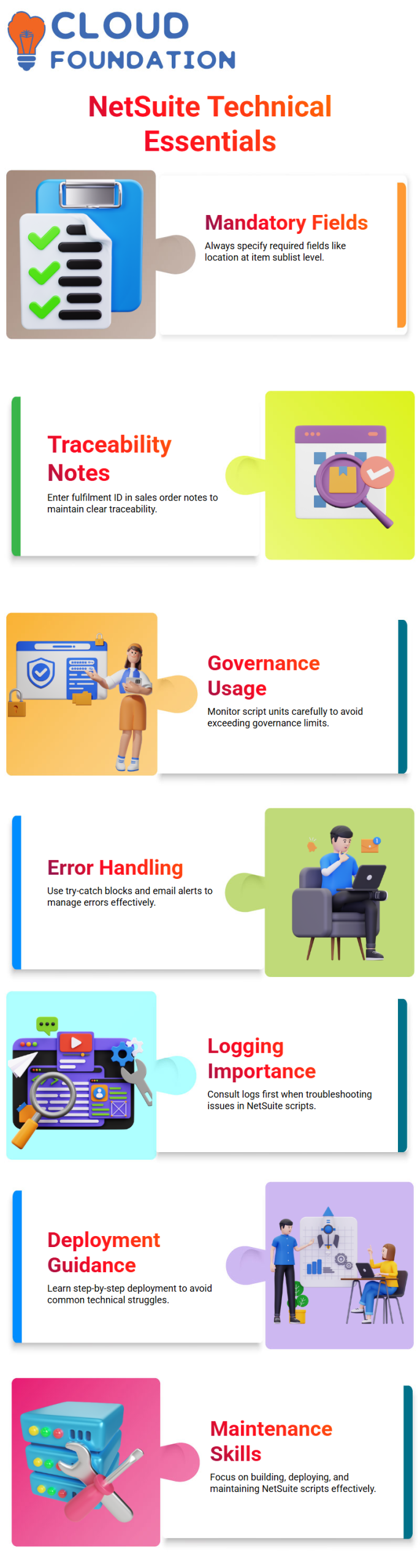
I take care of the required fields when I save the fulfilment record. Since location is necessary in this instance, I specifically specified it at the item sublist level.
Beginners often run across this problem while learning NetSuite technical scripting.
I revisit the sales order after saving the fulfilment and enter the fulfilment ID in the note area.
I take this action in order to preserve traceability, which I highly advise for all technical deployments of NetSuite.
Governance and Error Handling in NetSuite Technical Scripts
Because NetSuite Technical scripts take up units rapidly, I usually remind Learners to utilise governance.

Governance may quickly mount up from load, convert, and save processes, particularly in scheduled scripts that execute a large number of entries.
I use a try-catch block to handle errors and send out email alerts when anything goes wrong.
Notifying stakeholders of processing mistakes is not required by NetSuite Technical best practices, but it gives business solutions a solid layer of dependability.
Schedule Scripts in NetSuite Technical Training
I concentrated on the actual operation of a scheduling script in a real NetSuite technical environment throughout this session.
Logging is required from a NetSuite technical standpoint. When anything goes wrong, I usually advise Learners to consult their logs as their first line of defense.
The ability to track what occurred, when it happened, and why makes troubleshooting considerably simpler in NetSuite technical work.
I make sure you learn not only how to build NetSuite Technical scripts but also how to deploy and maintain them effectively, since I deal directly with them.
Many NetSuite technical learners struggle with deployment, so I take my time and walk them through each step.
Running and Deploying Scripts in NetSuite Technical Practice
By this method, you may verify behaviour before committing to a planned run.
Instead of scheduling the script, I showed how to save and run it immediately.
When you require an instant response, this is a popular NetSuite technical method.
You watched as the machine began processing each of the seven records one at a time.
Logs in NetSuite Technical execution allow the system to speak for itself.
I clarified that the script logic was sound and that there was no quantity problem.
When working with NetSuite Technical solutions on a regular basis, this kind of monitoring is essential.

NetSuite Online Training
Parameters Effectively in NetSuite Technical Scripts
Parameter use is a subject I constantly highlight in NetSuite technical training. Hardcoding values is seldom desirable when working with sales orders.
Rather, I demonstrated to you how to dynamically provide arguments while the process is running.
Parameters in NetSuite Technical scripts provide versatility. NetSuite asks you for values, such as sales order numbers, when you execute the script.
As a best practice in NetSuite technical development, you may alter such settings each time without modifying the script code.
When you require controlled execution without changing the script itself, this method is often used in NetSuite Technical projects.
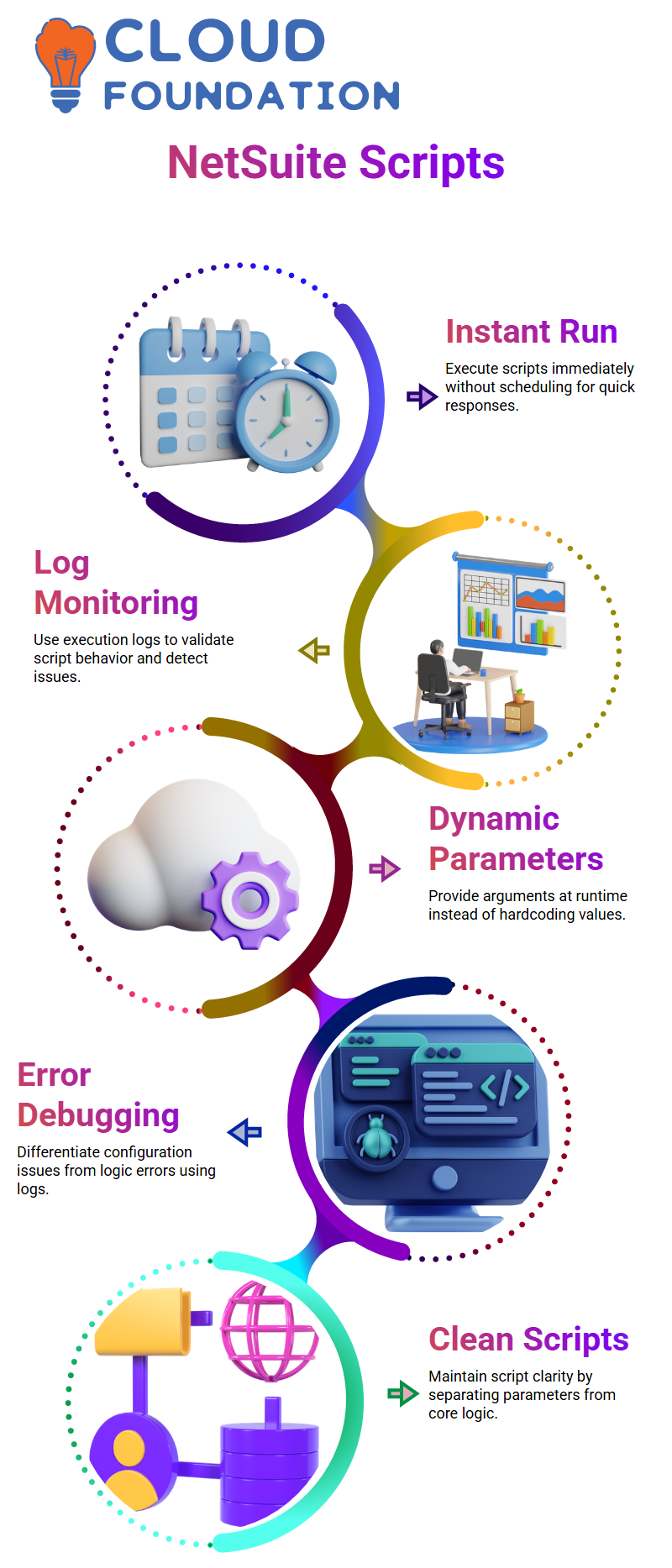
According to my technical knowledge of NetSuite, parameters manage shifting business requirements, but the majority of logic should remain constant.
Your scripts remain clean and manageable as a result of this separation.
Debugging Errors in NetSuite Technical Execution Flow
We ran across a location configuration problem while the script was running. I clarified that the script was functioning properly.
Determining if the problem is configuration-based or logic-based in NetSuite Technical debugging saves a significant amount of time.
We converted a sales order into an item fulfilment, and I showed you the execution log.
Technically speaking, this transformation phase in NetSuite is strong, but it is subject to configuration problems, such as location choices.
The log made it obvious that there was a configuration discrepancy when the save attempt failed.
For this reason, I urge that all NetSuite technical professionals learn to thoroughly analyse logs rather than relying on conjecture.

NetSuite Course Price

Vanitha
Author