Effective SAP CPQ Certification Level Training
How I design approval flows inside SAP CPQ?
In SAP CPQ, I employ workflows to manage who may accept, reject, or change a quote, and that gives me ultimate control over revenue, margins, and responsibility.
SAP CPQ helps me to integrate business responsibilities like sales manager, account manager, and finance directly into how a quotation progresses.
In SAP CPQ, I establish thresholds that determine whether a contract requires approval.
For example, if a quotation remains under a specific number, SAP CPQ enables the sales manager proceed ahead without delays.
The instant the value or discount passes a limit, SAP CPQ immediately transmits that quotation to the proper approver.
That is why SAP CPQ seems like a smart assistant rather than merely a pricing tool.
I depend on SAP CPQ to keep everyone in their lane. Sales teams concentrate on selling, finance teams focus on profits, and management focuses on risk.
Because SAP CPQ manages this flow, I do not need emails, spreadsheets, or phone calls to seek approvals. Everything takes place inside SAP CPQ.
How deal values trigger decisions in SAP CPQ?
Every deal starts as an opportunity, but the moment I create a quote in SAP CPQ, the real control begins.
SAP CPQ evaluates the contract value, the discounts, and the margin, and then it calculates how many approval levels I need.
This makes SAP CPQ excellent for firms that manage both small and big transactions every day.
In SAP CPQ, I usually set three or more approval levels. A medium-sized transaction proceeds to level one approval, a big deal advances to senior management or possibly the board, while a minor deal proceeds freely.
SAP CPQ makes this automatic, so nobody has to guess who should approve what.
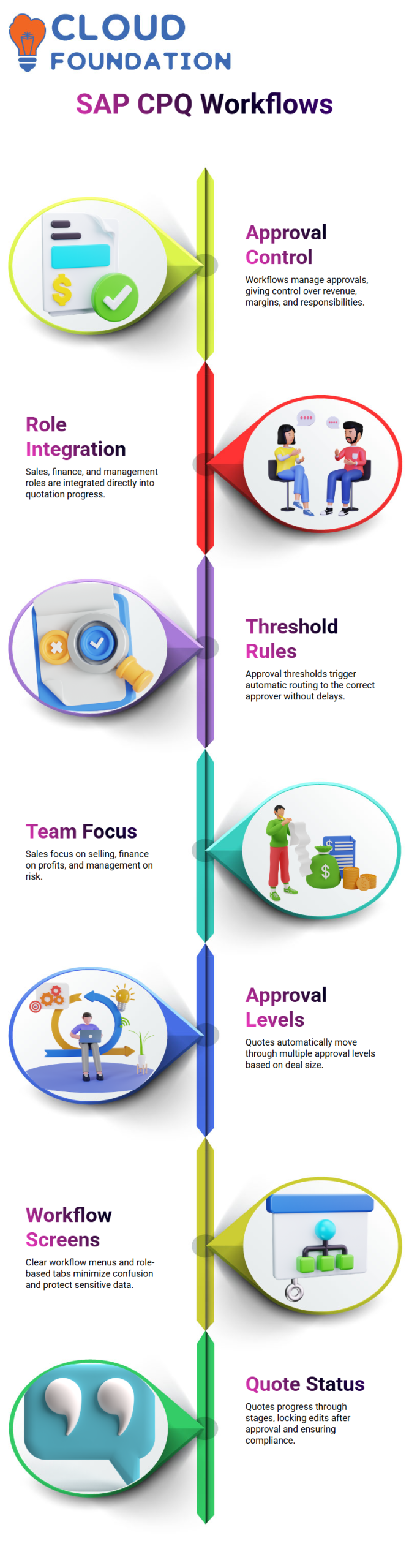
What I really like about SAP CPQ is how approvers can interact with a quote. In SAP CPQ, they may accept it, reject it, or ask for modifications to the price and discounts.
That feedback travels immediately back to the sales manager within SAP CPQ, which makes the entire process clear and speedy.
How workflow screens guide users in SAP CPQ
Everything is properly set out when I access the SAP CPQ workflow menu.
Every state is shown in a table by SAP CPQ, and each status contains actions that specify precisely what I may do next.
This architecture in SAP CPQ minimises confusion and keeps everyone working.
SAP CPQ also shows me several tabs like My Quotes, Waiting for Approval, and Other Quotes. In SAP CPQ, My Quotes displays what I generated, while Waiting for Approval shows what I need to evaluate.
SAP CPQ uses roles and permissions to decide what each user sees, so sensitive financial data stays protected.
Because SAP CPQ restricts visibility, a sales manager does not view finance-level approvals, and an approver does not spend time perusing sales drafts.
Every user is kept accountable by SAP CPQ, which is precisely how a professional sales organisation ought to function.
How quote status moves forward inside SAP CPQ
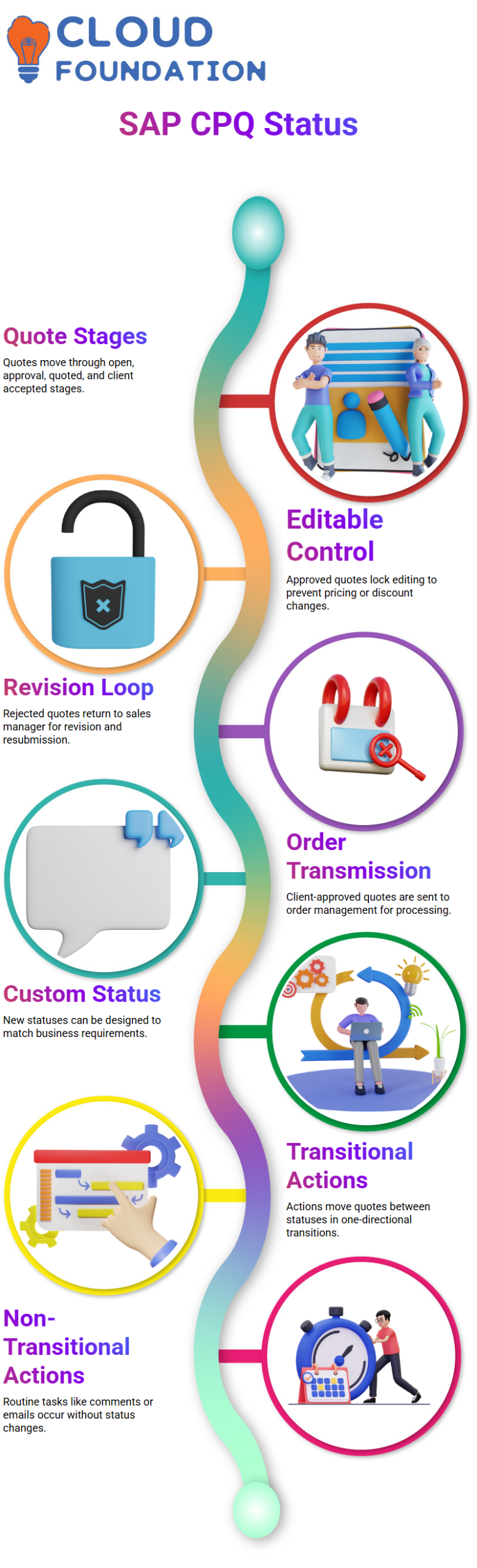
Every quotation in SAP CPQ begins in an open or prepared phase, and from there, SAP CPQ advances it through stages like pending internal approval, approved, quoted, and client accepted.
I can adjust these statuses in SAP CPQ to fit how my firm really functions.
Once SAP CPQ marks a quote as approved, it locks editing so no one can change prices or discounts by mistake.
A quotation in SAP CPQ that has been rejected by an approver is returned to the sales manager for revision and resubmission.
This loop inside SAP CPQ keeps everything clean and auditable.
After the client approves a quotation, SAP CPQ transmits it to order management.
From that moment, SAP CPQ has already ensured that pricing, discounts, and margins followed the company rules. That is why I trust SAP CPQ to secure both revenue and compliance every single day.
Workflow Status in SAP CPQ
In SAP CPQ, here is where I can examine all existing process statuses and assess if they satisfy my business requirements.
If SAP CPQ does not already have a status that suits my procedure, I just design a new one.
Instead of making the company adapt to the solution, SAP CPQ’s flexibility enables me to modify procedures to real-world quoting instances.
In SAP CPQ, I deal with both transitional and non-transitional activities. In SAP CPQ, transitional actions can change a quote’s status from Preparing to Approval or from Approval to Approved.
These transitions follow a distinct, one-directional course.
On the other hand, SAP CPQ’s non-transitional actions enable me to carry out many tasks without altering the quotation status, which makes it very useful for day-to-day sales operations.

SAP CPQ Training

Transitional and Non-Transitional Actions in SAP CPQ
I often clarify that routine procedures like attaching papers, making comments, downloading files, or sending emails pertaining to a quote are examples of non-transitional actions in SAP CPQ.
SAP CPQ recognises all these activities as parallel actions, meaning I may conduct many of them at the same status without requiring a status change.
All of these actions are directly specified in the workflow action area of SAP CPQ.
I can view the existing actions, such as approve, lock quote, approval reminder, proposal generation, or contract lifecycle management comments.
SAP CPQ also enables me to change or extend these actions, which offers administrators total control over how quotations behave over their lifespan.
Role-Based Permissions and Actions in SAP CPQ
One of the most powerful aspects of SAP CPQ is how actions are tied to user roles.
When a quotation switches from Open to Order Placed in SAP CPQ, I verify that the proper user performs the needed activity.
For example, in SAP CPQ, a sales manager may produce a quotation, while an account manager or senior management authorises it.
I configure this behaviour of workflow permissions in SAP CPQ. Here, I decide which actions are visible, editable, or executable for each user type at each workflow status.
SAP CPQ makes it easy for administrators to assign or delete actions and align them with specific roles, ensuring compliance and accountability throughout the quoting process.
Workflow Tables and Action Intersections in SAP CPQ
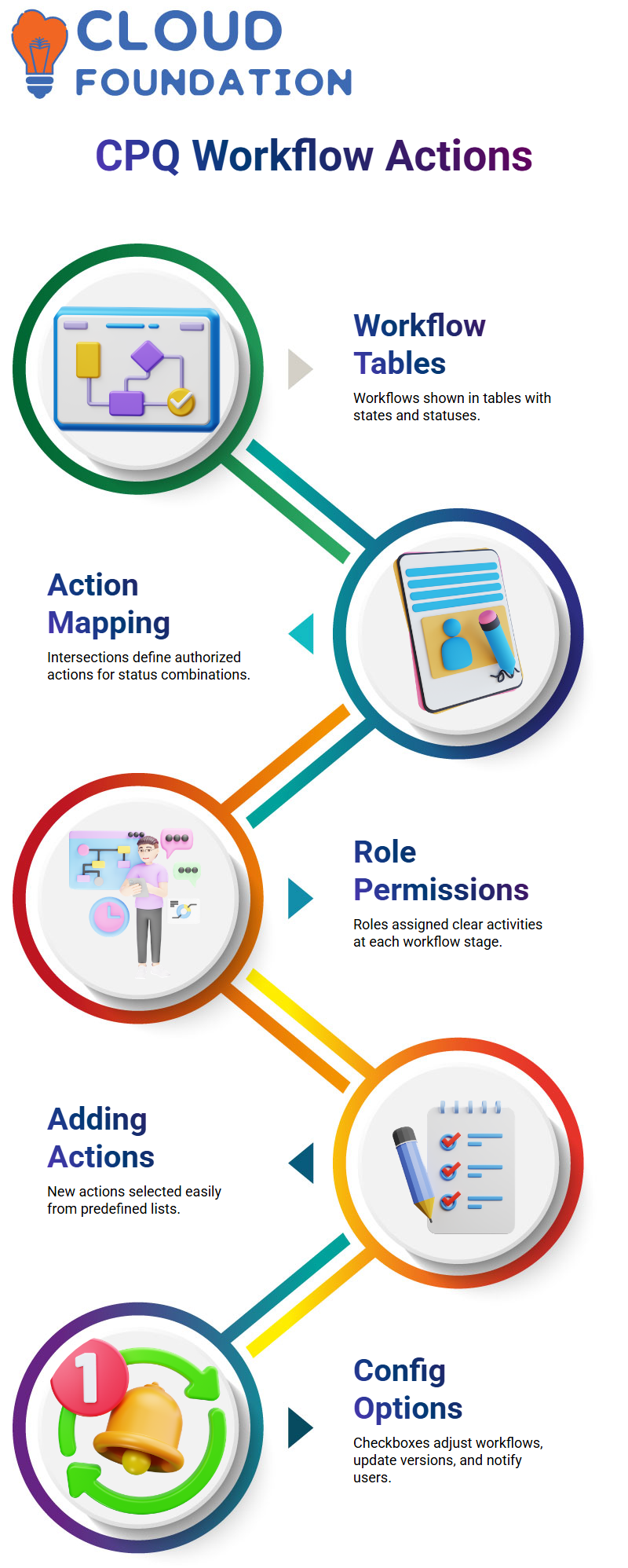
In SAP CPQ, workflows are displayed in a table format that I find very user-friendly.
On the left side, I see the process states, and across the top, I see the various ending statuses.
The actual strength of SAP CPQ shows at the intersections, where I specify which actions are authorised for a certain status combination.
For instance, I can let a sales manager add things, remove items, see history, reprice, save the quote, update product versions, copy quotations, modify information, submit for approval, or view proposals.
In SAP CPQ’s Open status. SAP CPQ helps me assign these activities accurately, so each role understands exactly what they can do at each level.
Advanced Action Configuration in SAP CPQ
I just choose it from the available action list when I want to add a new action in SAP CPQ, like attaching a document to a sales quote.
SAP CPQ provides several configuration checkboxes that automatically reconfigure workflows, update items to new product versions, or prompt users when changes occur.
In order to ensure data quality, SAP CPQ additionally enables me to stop activities if a quotation has missing elements.
I am able to specify the global, quote, or quote item levels at which an action operates.
With the condition formula builder in SAP CPQ, I set exact rules that determine when activities occur, giving me fine-grained control over every workflow behaviour.
Workflow Configuration in SAP CPQ
One of the most crucial things I teach Learners about SAP CPQ is how workflow actions really dictate what users can and cannot accomplish.
In SAP CPQ, every action is driven by circumstances, and those factors determine whether an activity becomes visible or stays disabled.
I always tell my Learners that if something is not visible on the screen, it is usually because the workflow action has not been enabled correctly in SAP CPQ.
In SAP CPQ, I normally start by setting actions like alerts, pre-actions, and post-actions. These are the core building blocks of any workflow.
I may create unique criteria depending on business requirements as soon as I open an action item.
This is where SAP CPQ becomes powerful, because it allows me to control the behaviour of the system without writing code.
For example, when I want a sales user to attach a document to a quote, I activate the associated action in SAP CPQ.
If I do not activate it, the choice stays buried or greyed out. This is a pretty typical problem that individuals confront when they start working with SAP CPQ procedures.

SAP CPQ Online Training
Enabling Actions and Permissions in SAP CPQ
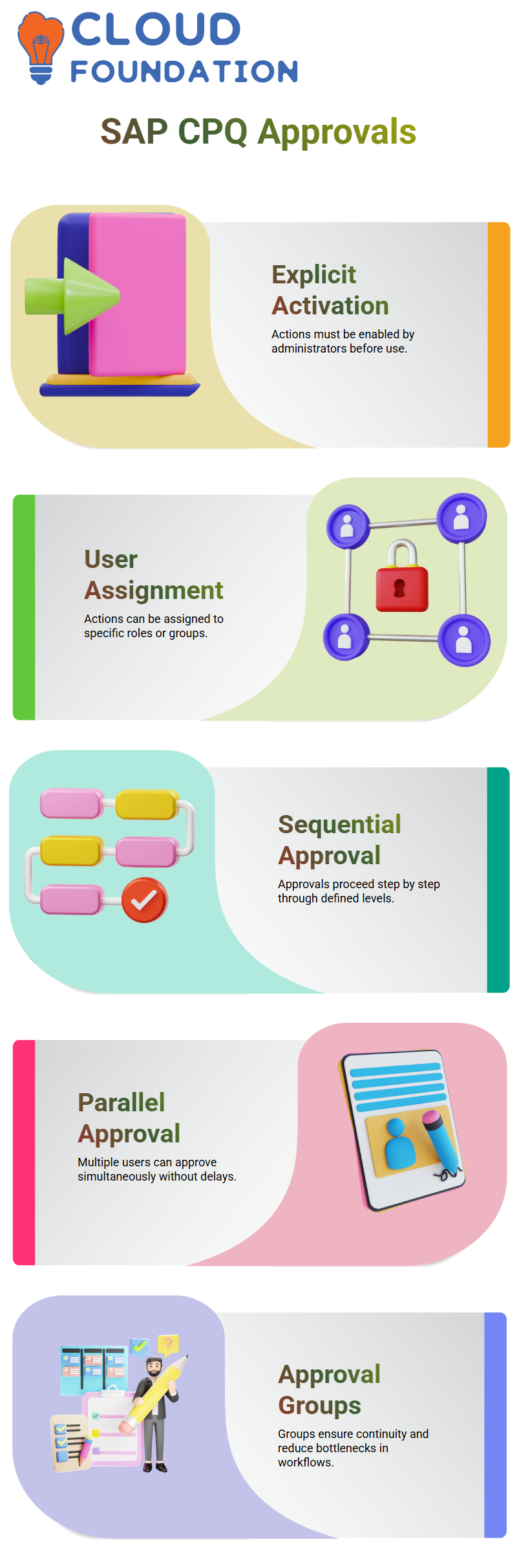
In SAP CPQ, every action must be explicitly activated by an administrator. I normally explain this by explaining that SAP CPQ never assumes rights; everything must be specified.
Once I activate the activity, it appears accessible under the appropriate workflow status.
For example, when I activate the option to attach a document to a sales quotation, it becomes accessible only after I save the process setup.
This is how SAP CPQ guarantees that only authorised users may execute sensitive tasks.
Another key element of SAP CPQ is assigning actions to the proper individuals or user groups.
I have the authority to determine whether an action is accessible to customers, partners, managers, or sales users. This flexibility is one of the reasons SAP CPQ works so well in complex sales environments.
Sequential and Parallel Approvals in SAP CPQ
One of the most typical questions I hear during SAP CPQ training is concerning sequential and parallel approvals.
I generally illustrate this with a simple example. In sequential approval, the procedure advances step by step.
The initial approver must approve before the next level is activated.
In SAP CPQ, this is managed by approval levels like L1, L2, and L3. If the quotation meets certain threshold values, SAP CPQ automatically routes it to the appropriate approval level.
If the initial approver does not act, the procedure cannot continue.
Parallel approval in SAP CPQ works significantly differently.
The method enables many users in a group to access the same approval work rather than waiting for a single individual.
The quotation may be accepted or rejected by any member of that group. This approach is highly handy when a single approver may be unavailable.
Approval Groups Effectively in SAP CPQ
In real-world SAP CPQ systems, I usually advocate employing approval groups instead of individuals.
This avoids delays and ensures continuity. For example, if a financial manager is unavailable, another authorised person from the same group may take action.
SAP CPQ enables me to appoint numerous users to the same approval level.
Once the quotation reaches that level, it becomes visible to all authorised users. This makes approval processing smoother and minimises bottlenecks.
From my experience, most firms implement SAP CPQ this way since it serves actual business situations.
It also eliminates dependence on a single individual, which is crucial in commercial operations.
Managing Workflow Actions and User Access in SAP CPQ
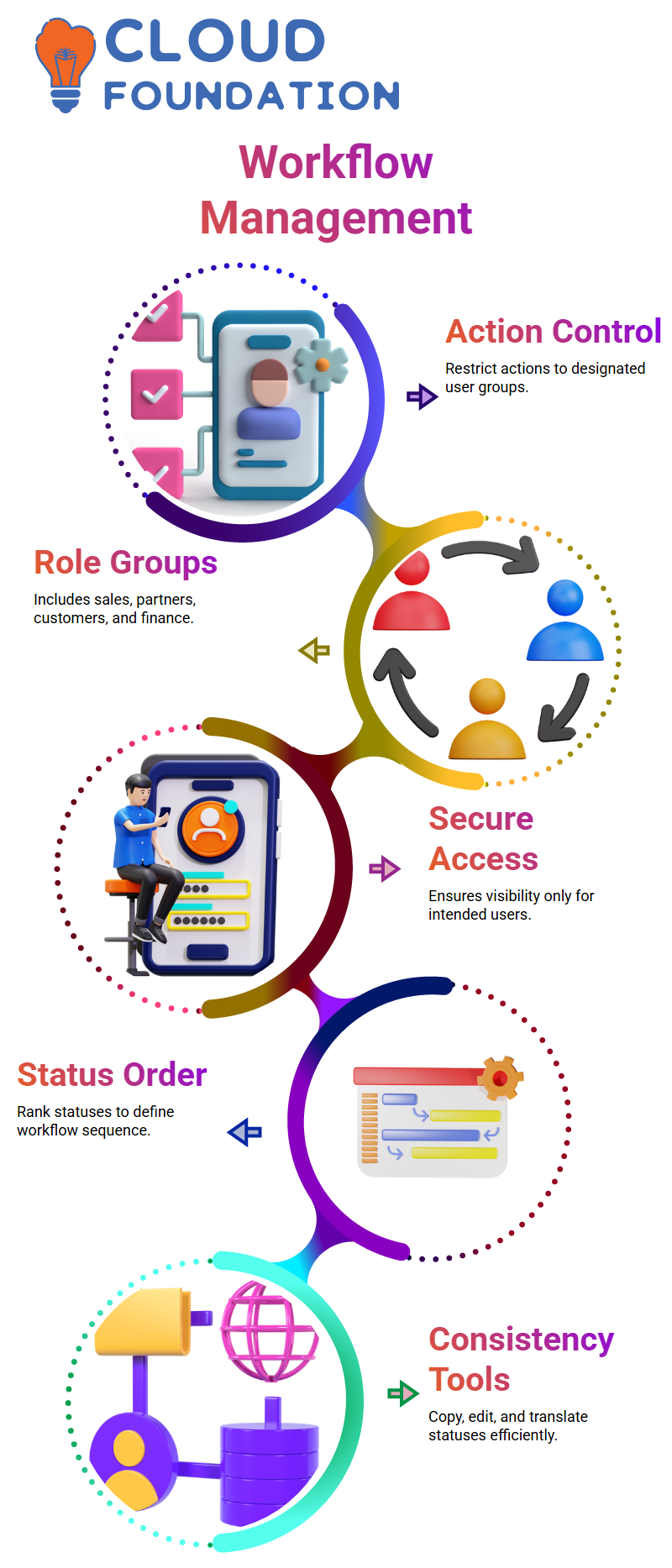
Another area I usually highlight in SAP CPQ is action permissions. Each activity, such as adopting a proposal or adding comments, may be limited to certain user groups.
SAP CPQ provides predefined groups like sales, partners, customers, sales managers, and finance teams.
For example, in SAP CPQ, the ‘Accept Proposal’ action might be assigned to sales managers or customers based on the business need.
In a similar vein, only internal users may be able to contribute comments or attachments.
SAP CPQ’s degree of control guarantees that users only see what is intended. It also increases security and avoids unintentional alterations to crucial quotes.
Creating and Managing Workflow Statuses in SAP CPQ
I begin by specifying the status name and rating when I establish a new process status in SAP CPQ. Where the status occurs in the workflow sequence is determined by the ranking.
Higher-ranked statuses occur later in the process.
I can copy, edit, and translate the current statuses of SAP CPQ if necessary. Time is saved, and process consistency is guaranteed.
I commonly utilise this capability when putting up internal review or internal approval statuses.
I set up the activities related to the status when it is established.
This involves establishing who may act on it, what actions are authorised, and how the process develops.
This is where SAP CPQ actually becomes an organised and regulated solution for sales operations.

SAP CPQ Course Price

Vanitha
Author