SAP Field Glass online training classes
SAP Fieldglass Supplier Setup
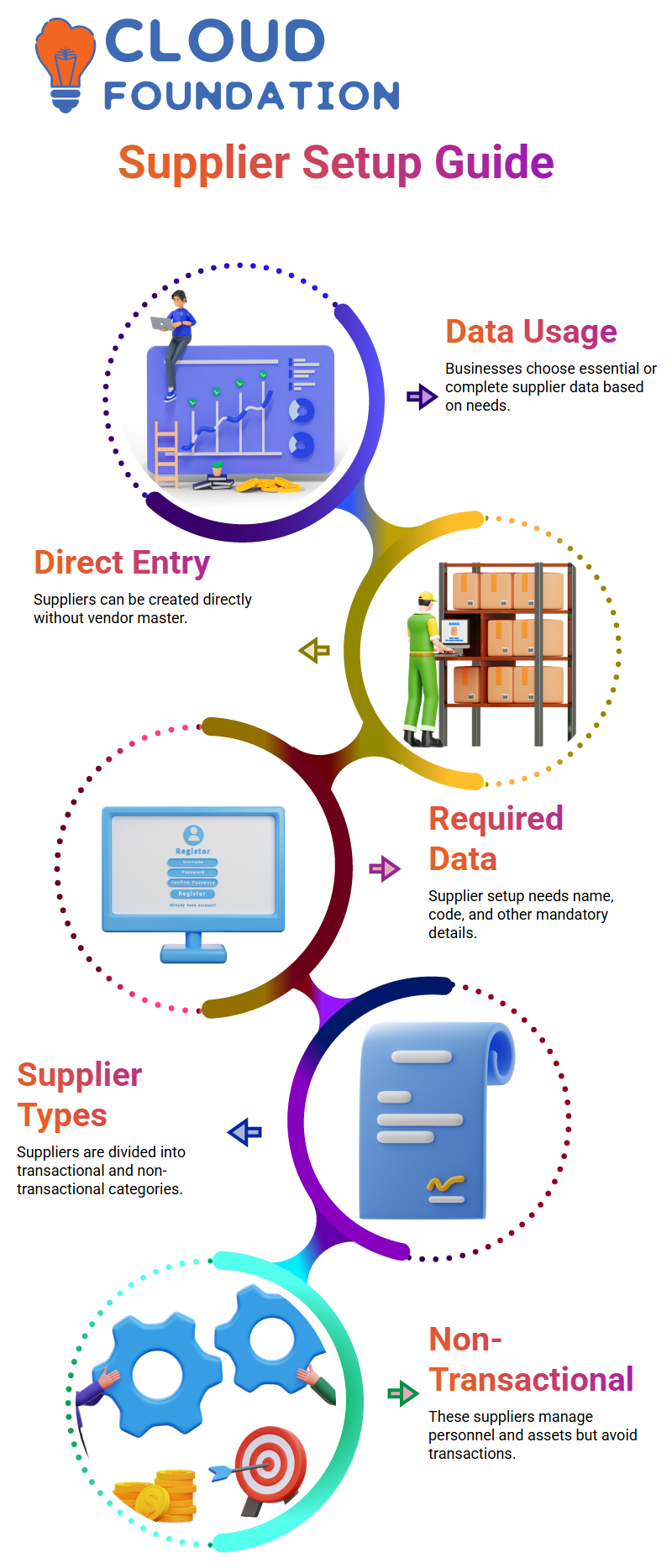
While some businesses utilise only the most important data, others keep complete information here. It all depends on what the business needs.
For instance, a business will keep track of particular data in SAP Fieldglass if it wishes to do so. They avoid it if not.
Some businesses create suppliers in SAP Fieldglass with the necessary information directly, eschewing the vendor master completely.
You submit all required data, including the supplier’s name and code, while configuring a supplier in SAP Fieldglass.
Non-transactional and transactional providers are the two categories into which we divide them.
Non-Transactional Suppliers in SAP Fieldglass
SAP Fieldglass does not allow non-transactional providers to conduct business. They won’t need to complete timesheets or expense reports on the system.
Their primary functions include managing personnel and granting contractors access to corporate assets like laptops or office space.
Non-transactional providers utilise the profile worker module in SAP Fieldglass. They settle all of their payments outside of SAP Fieldglass.
Although they don’t handle transactions directly, they serve as references throughout the system.
Transactional Suppliers in SAP Fieldglass
SAP Fieldglass is actively used by transactional providers to complete timesheets and expense sheets.
Invoices are created and processed in linked systems, such as ERP for accounts payable, when they are accepted.
SAP Fieldglass makes sure that external records and the system both reflect the payment adjustments.
You adhere to the particular needs of the business while establishing a transactional supplier, including the services provided, the modules utilised, and the charge schedules.
All of this can be easily managed using SAP Fieldglass.
Vendor Master Upload in SAP Fieldglass
A vendor master upload connection is offered by SAP Fieldglass. You invite suppliers after updating the vendor master in your system.
Suppliers complete their setup by registering themselves through SAP Fieldglass after being invited.
The unique vendor ID is one of the most important fields in the vendor master upload. This ID guarantees that updates are applied appropriately by SAP Fieldglass.
Using the appropriate modification type in the upload, you can add, modify, or remove vendor information.
There are a lot of required and optional fields in SAP Fieldglass. You may learn how the system effectively handles supplier data by testing uploads and verifying mistakes.

SAP Training

Inviting Suppliers through SAP Fieldglass
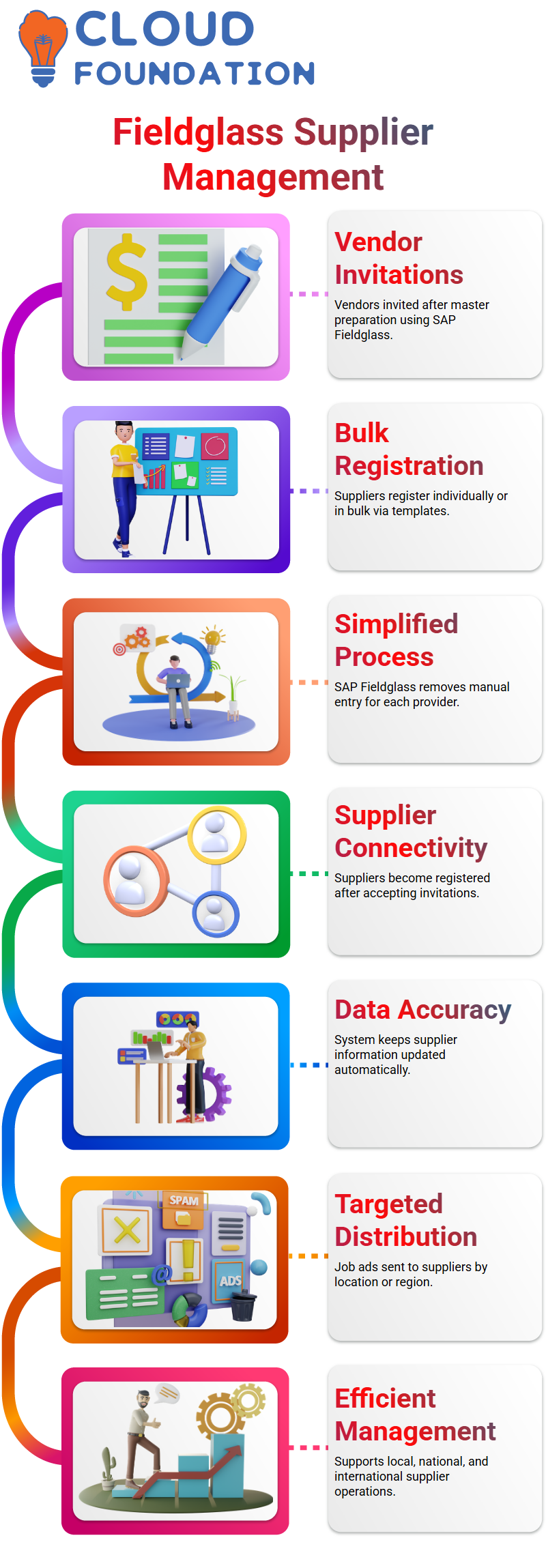
SAP Fieldglass enables you to invite vendors after the vendor master is prepared. Suppliers have the option of registering one at a time or in bulk, utilising templates.
This procedure is made simpler by SAP Fieldglass, which eliminates the need for manual entry for every provider.
A provider becomes a registered supplier in SAP Fieldglass after accepting the invitation. All supplier data is kept up to date in the system thanks to this connectivity.
Distribution Lists in SAP Fieldglass
Additionally, SAP Fieldglass oversees job ad distribution lists. Businesses can target suppliers according to location, site, or region.
For instance, a job advertisement in Tamil Nadu will only be forwarded to local suppliers.
By ensuring that the appropriate suppliers receive the appropriate posts, SAP Fieldglass clears up misunderstandings and boosts productivity.
Suppliers like Jeevan Technologies can concentrate on the regions they service through this targeting.
Distribution management is made easy and efficient with SAP Fieldglass’s seamless support for local, national, and international operations.
SAP Field Glass Distribution Lists
Managing distribution lists is essential while using SAP Field Glass. Assume that a business such as G1 Technologies serves just two or three locations.
SAP Field Glass makes sure that only suitable vendors see job postings.
For example, Jeevan Technologies will see the job ad if it pertains to the Chennai plant, but Austin or U.S.-based vendors will not.
This keeps unrelated suppliers from viewing job advertisements to which they are unable to reply.
For businesses operating on a national or international scale, keeping a reliable distribution list in SAP Field Glass becomes essential.
You may choose suppliers, assign a code name to particular business divisions, and establish a code name.
When the distribution list is prepared, it will show up when job posts are created, guaranteeing that the appropriate suppliers are promptly informed.
Managing Supplier Data in SAP Field Glass
Managing supplier information is simple with SAP Field Glass. Many businesses combine their supplier and vendor master data.
The registration and interaction of suppliers within SAP Field Glass is influenced by distribution lists, qualification templates, and supplier invites.
The foundation of SAP Field Glass is master data, which includes supplier details.
To guarantee that job listings, approvals, and bills are in line with your company’s ERP system, every piece of supplier data is linked to transaction data.

SAP Online Training
Company Structure and SAP Field Glass
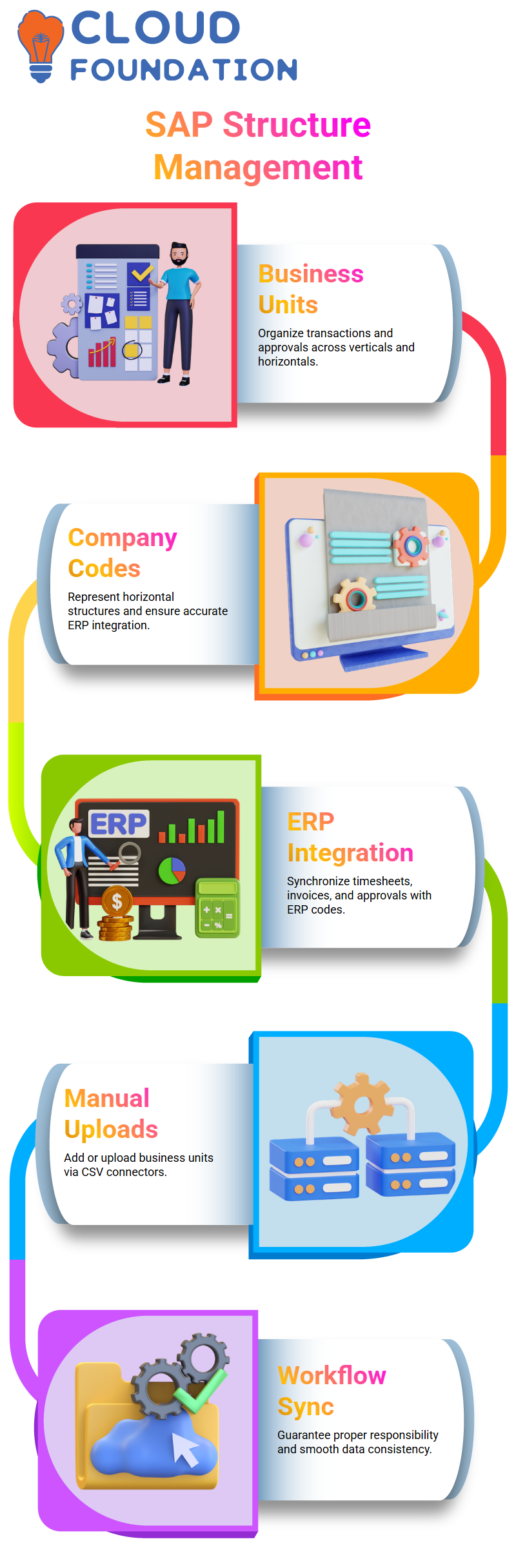
By creating business units, company codes, cost items, locations, and plants, SAP Field Glass enables you to manage organisational structures.
Manufacturing, marketing, and finance are examples of verticals or horizontals that are represented by business units.
These can be integrated with your ERP system or maintained manually. Accurate transaction processing is ensured by matching codes between SAP Field Glass and your ERP.
For instance, SAP Field Glass makes sure that a contractor’s timesheets, invoices, and approvals match the relevant ERP codes if the contractor works in a certain business unit.
To keep everything in sync, you can either manually add business units or upload them from CSV files using connectors.
Handling Business Units in SAP Field Glass
Business units are crucial for organising transactions and approvals in SAP Field Glass. Contractors and distributors who approve requisitions might be assigned.
Flexibility is possible with SAP Field Glass: you may manually add new business units or upload them via a connection.
These units are accessible in transaction papers when they are submitted, guaranteeing appropriate workflow and responsibility.
Your organisation’s horizontal structure is represented by company codes in conjunction with business units.
Your ERP and SAP Field Glass work together smoothly to preserve correct data in both systems.
Templates and Manual Data Management in SAP Field Glass
Business unit, supplier, and company information may be uploaded using the templates that SAP Field Glass offers.
Businesses typically upload preliminary data from ERP systems during deployment.
Any additional business units or legal entities can then be uploaded via connections or manually inserted using SAP Field Glass.
This guarantees the accuracy and consistency of all data. Certain verticals or horizontals are connected to cost items or cost centres.
By recording expenses against these codes, SAP Field Glass enables managers to precisely monitor spending for any department or software category.
Exploring SAP Field Glass Functionality
SAP Field Glass gives administrators the ability to efficiently manage suppliers, organise business units, and preserve extensive master data.
You may learn how job posts go, how approvals happen, and how all transaction data connects to the ERP system by looking at templates and distribution lists.
As you begin utilising SAP Field Glass, you’ll see how well the platform manages numerous suppliers, intricate business structures, and cost tracking.
When master data is properly kept in SAP Field Glass, all transactions, including contractor assignments, timesheet approvals, and invoices, flow smoothly.
Managing Cost Centres Efficiently with SAP Field Glass
A timesheet is immediately linked to a cost centre when it is booked in SAP Field Glass. You may be wondering how to effectively handle this data.
Many businesses link SAP Field Glass with their ERP systems, although some manage it manually. Believe me, it’s difficult to manually keep all that info.
Giving all the information needed to allow the data to flow into any transactional document is made easy with SAP Field Glass.
To assist with this, SAP Field Glass has connections. These connections make it simple to upload and search for cost centre information.
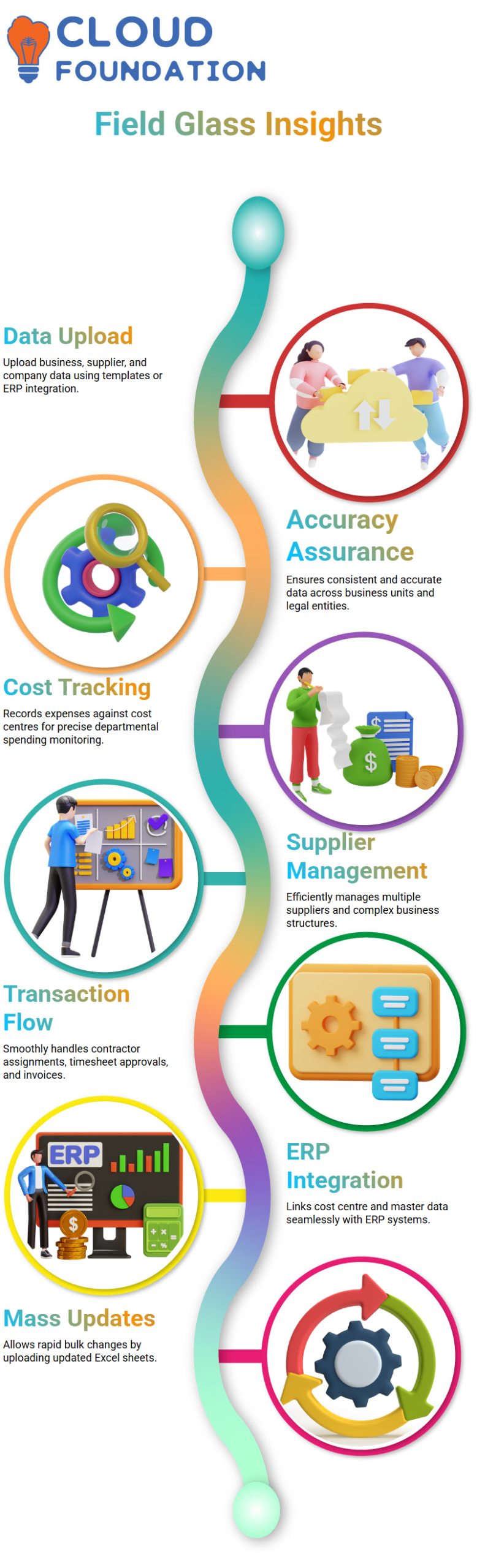
The “Upload User Cost Centre” is one of SAP Field Glass’s standard connectors. Cost centre data may be uploaded rapidly using this connection.
The finest feature is that mass changes are possible with SAP Field Glass.
All of your cost centre data is instantaneously updated in the system when you simply update the Excel sheet and upload it once.
Additionally, SAP Field Glass aids in preserving uniformity among cost objects, corporate codes, and business units.
This data can be integrated via ERP or maintained manually. SAP Field Glass uses the connection to automatically upload the data when the ERP is linked.
SAP Field Glass offers an easy-to-use interface that clearly indicates what needs to be changed, even if you decide to update the data manually.
This facilitates the clear management of massive amounts of data.

SAP Course Price

Vanitha
Author