SAP Field Glass Certification Training
SAP Field Glass: Activating SWW Workers Efficiently
I want to take you through the process of immediately activating the SWW worker in SAP Field Glass.
When the auto-register option is selected, the worker’s registration is automatically activated by the system.
This guarantees that the employee is prepared with their credentials to complete time and expense reports.
SAP Field Glass enables you to change the auto-register option to ‘No’ if the worker’s remuneration is contingent on time and expenditure.
This guarantees that employees complete their timesheets and that payment is handled correctly, depending on the information provided.
SAP Field Glass: Approval for Added Workers
We are unable to let suppliers add employees at their own discretion in SAP Field Glass. To preserve internal control, every employee addition requires buyer verification.
When a supplier adds employees during the S4W response or revision, the buyer must provide their consent before the employee can be added to the system.
The procedure is kept visible thanks to SAP Field Glass. The supplier may suggest hiring more employees, settle on prices, and present them to the customer for approval.
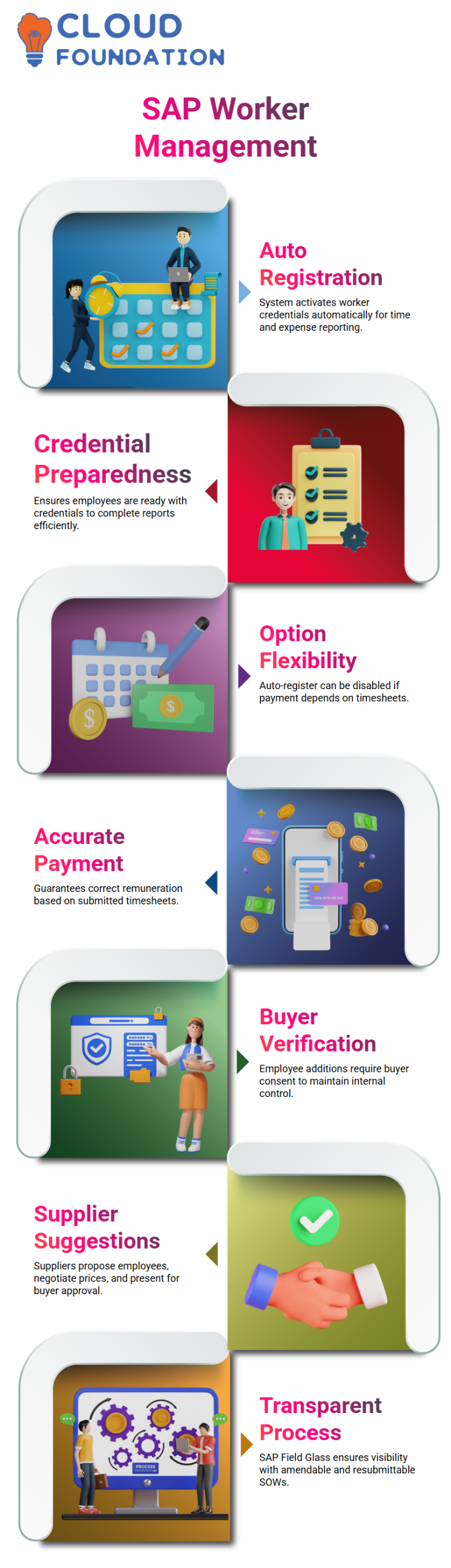
SAP Field Glass provides a clear to-and-fro process by allowing the SOW to be amended and resubmitted if the buyer disagrees.
SAP Field Glass: Managing Standalone SOWs
Nothing from the master template is sent down to the process when a solo SOW is created in SAP Field Glass.
This implies that every aspect must be carefully established, including labour positions, timetables, and cost distribution.
When certain project needs are not met by the normal master template, I find this method to be helpful.
In SAP Field Glass, standalone SOWs allow you to manually set worker responsibilities, timetables, and daily rates.
The supplier receives the completed SOW, checks it, adds SWW employees, and returns it.
This guarantees that every entry is correct and authorised.
SAP Field Glass: Supplier Interaction and Rate Management
The supplier may examine and remark on rates in SAP Field Glass.
The provider has the option to reject the SOW and offer comments if the suggested prices fall short of their expectations.
I make sure to use SAP Field Glass to properly communicate, examine any input, and approve any required modifications.
Fairness and openness are guaranteed by this iterative approach.
To maintain a seamless process, the buyer and supplier work together in SAP Field Glass to agree on pricing, worker numbers, and SOW data.

SAP Training

SAP Field Glass: Onboarding and Worker Registration
The onboarding procedure starts as soon as the SOW and employee information are accepted in SAP Field Glass.
Contractors get usernames and passwords from the system to use SAP Field Glass and submit time and expense reports.
Auto-registration in SAP Field Glass guarantees that employees are onboarded without extra procedures when time and cost submission is not necessary.
The process is then streamlined by basing payments on events or milestones rather than deadlines.
SAP Field Glass: Configuring Service and Workflow
You may specify service subsections in the SOW using SAP Field Glass. This involves establishing procedures for approval and SW attributes.
To guarantee appropriate monitoring and control, I always set these parameters in accordance with the buyer’s specifications.
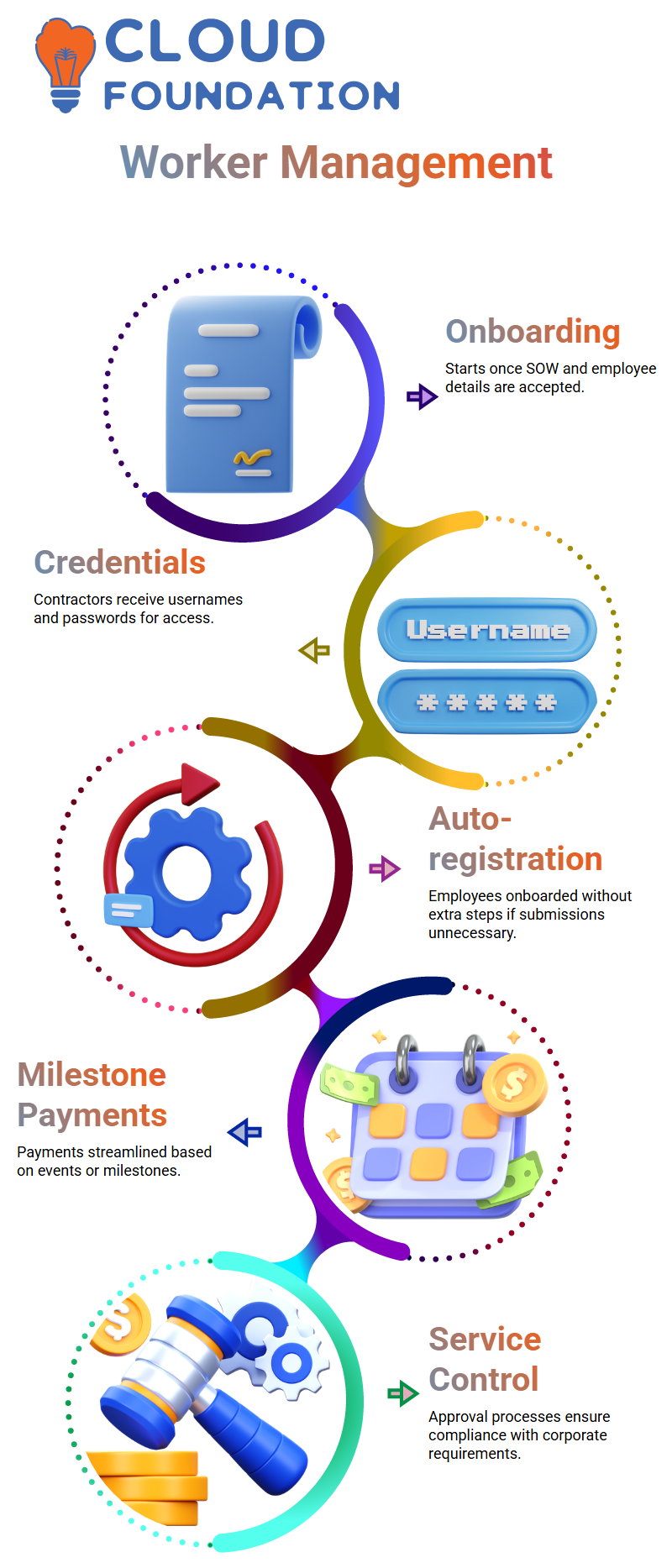
The solution ensures that every stage, from employee activation to payment, is tracked and complies with corporate requirements by controlling services and approval processes in SAP Field Glass.
Understanding SAP Field Glass Clause Library
You may keep the rules and clauses that businesses usually employ with this library.
Every time I choose ‘New,’ clauses that may be used in templates later on can be created.
While some businesses utilise simply the most important terms, others keep extensive ones.

Your templates in SAP Field Glass might be directly impacted by the clauses you preserve here.
Setting up these guidelines in advance, in my opinion, helps to ensure that templates are uniform and understandable for each provider.
Managing Event Libraries in SAP Field Glass
SAP Field Glass Event Libraries let you specify business-specific events that initiate processes, such as supplier payments.
In order to make events easier to refer to in templates, I often construct them by adding a code and a name.
SAP Field Glass templates may be directly connected to these occurrences.
For instance, the event library guarantees that everything is automated and transparent if a business wants to pay suppliers according to milestones or certain occurrences.

SAP Online Training
Setting Up Fees in SAP Field Glass
Payment information is stored in the Fees Library in SAP Field Glass. I may specify it here, whether it’s an hourly charge or a fixed monthly price.
The rate sections aid in the effective management of any rate-based payments made by the business.
I always confirm that the charge kinds meet the needs of the business. Choosing the appropriate rate type and maintaining organisation is made simple by SAP Field Glass.
SAP Field Glass Management Events
Although they have nothing to do with payments, management events in SAP Field Glass are crucial for monitoring internal operations.
Kickoff calls and requirement collecting sessions, for example, might be included here.
Even though suppliers do the majority of the work on their own, SAP Field Glass guarantees transparency and informs them of the schedule, so I utilise it to keep these events going.
Using the Big Questions Library in SAP Field Glass
SAP Field Glass’s Big Questions Library aids in responding to supplier inquiries.
I may choose pre-made questions from this library if a supplier has inquiries during an SOW or SROW procedure.
SAP Field Glass keeps this library up to date to guarantee consistent and effective communication.
Additionally, it saves suppliers time and effort by eliminating the need for back-and-forth correspondence.
Navigating S4W Templates in SAP Field Glass
Clauses, events, and fees are all the components we addressed when I go into an S4W template in SAP Field Glass.
Every template type is specified in the system, and purchasers are guaranteed control thanks to closed fields.
SAP Field Glass enables me to generate an S4W bid using pre-existing templates, even if they are not master templates.
The ability to inherit data and modify it as necessary makes template maintenance simple and adaptable.
Key SAP Field Glass Rules and Characteristics
Rules like prohibiting approval when budgets above restrictions are included in SAP Field Glass.
In order to provide internal control for the customer, I constantly evaluate these regulations.
I review the pertinent worker rules and schedule library while concentrating on the single SOW type being utilised in SAP Field Glass.
This guarantees adherence and appropriate use of the system.

SAP Course Price

Vanitha
Author