Veeam Course on Replication
Veeam Replication
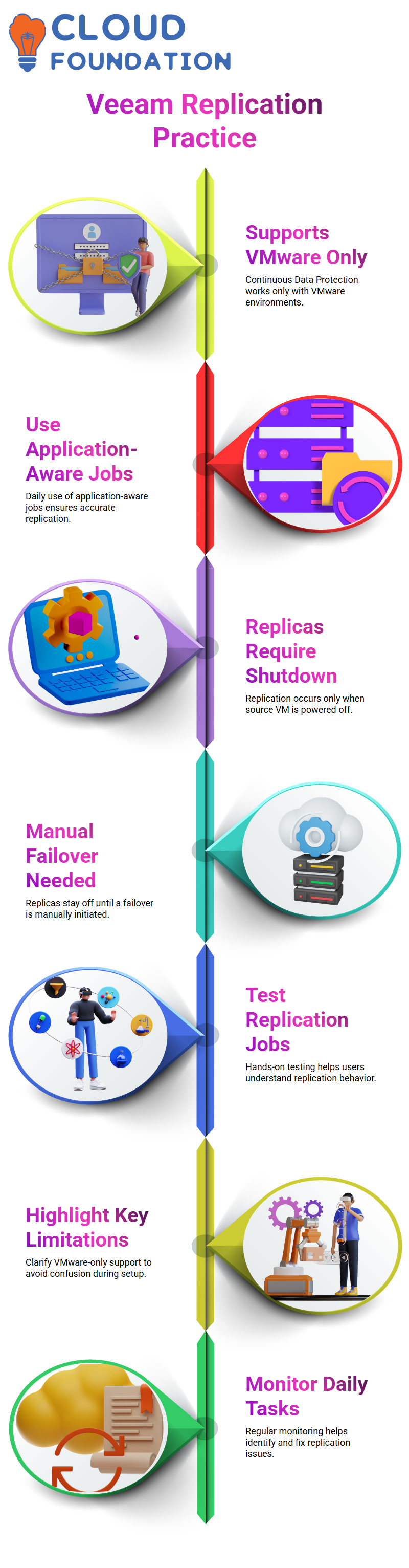
When I use Veeam replication, I always make one thing clear first.
Replication tasks can be done on both Hyper-V and VMware, but Veeam Continuous Data Protection only works on VMware.
I say this right away so that we don’t get confused later when we make jobs in Veeam.
I make application-aware jobs in Veeam every day and keep a close eye on them.
Creating and Testing Veeam Replication Jobs
I made several Veeam replication jobs and told them that replicas are always made when the computer is off.
A lot of beginners miss this important thing that Veeam does.
I logged into the ESX host and showed how Veeam makes copies of virtual machines.
I turned off the source VM on purpose to show that Veeam doesn’t automatically turn on replicas unless we start a failover.
This hands-on testing helps students really get how Veeam replication works.
Troubleshooting Veeam Hardware Version Errors
I kept getting an error message saying that the destination host doesn’t support VMware hardware version 21 while I was trying to copy files.
I made it clear that this error has to do with VMware hardware compatibility, not mistakes in the Veeam configuration.
I took the time to explain that Veeam needs to know things like the version of ESXi, the version of the VM hardware, and whether or not it works with vCenter.
When you make a VM on ESXi 8.0, it uses hardware version 21, and Veeam just copies that structure when it replicates.
How Veeam Interacts with VMware Components
The ESXi host is first, the virtual machine is second, and vCenter is third.
During backup and replication, Veeam talks to all three of them.
I showed how vCenter makes it easier to manage when there is more than one ESXi host.
Veeam works with vCenter to centralize everything, so you don’t have to log into each host separately.
This is the exact reason why Veeam is so popular in businesses.

Veeam Training

Veeam Version Compatibility and Real-World Challenges
In this case, the source and destination hosts were the same, so there shouldn’t be any hardware version mismatch.
I told the truth when I said that Veeam sometimes has problems because of bugs in the software, not because of problems with the settings.
I told them that I wasn’t using the most recent version of Veeam, which can cause problems with compatibility.
In real customer environments, I always tell people to keep Veeam up to date so that they don’t have to deal with replication failures that aren’t necessary.
Resetting and Rebuilding Veeam Replication Jobs
I chose to delete all of my existing Veeam replication jobs and start over from scratch in order to move forward.
I do this a lot during training to show that sometimes it’s faster to rebuild a Veeam job than to keep trying to fix the same problem.
I also showed how failback works in Veeam and talked about how important it is for planning for disaster recovery.
By doing these steps live over and over, I help learners feel more sure of themselves when using Veeam in environments that are similar to real life.
Veeam Replication and Failback Explained in Real Time
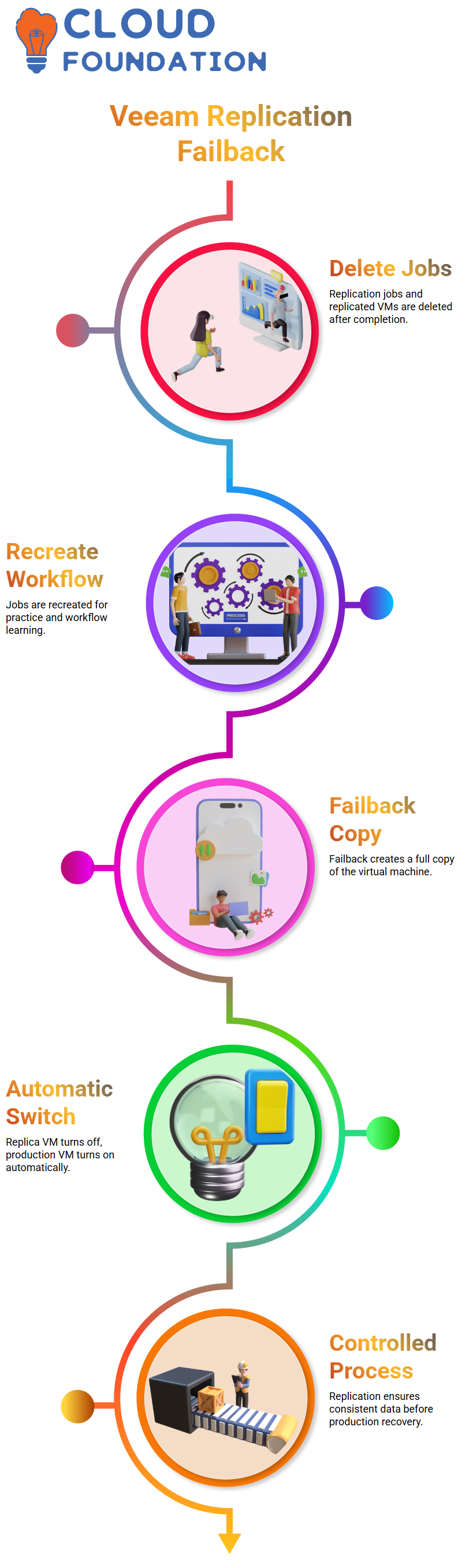
When I’m done with a replication job in Veeam, I usually delete both the jobs and the virtual machines that were replicated.
Then I make them again so you can use Veeam to practice and learn the workflow on your own.
When you fail back in Veeam, you will see that it makes a copy of the whole virtual machine again.
It took a while in my case because it was almost 90 GB.
When Veeam is done, it automatically turns off the replica VM and turns on the production VM.
It’s important to know how Veeam handles production recovery because of this behavior.
I always make it clear that Veeam replication is not an instant switch.
It is a controlled process in which Veeam makes sure that the data is consistent before giving control back to production.
Veeam CDP Concepts and Classroom Limitations
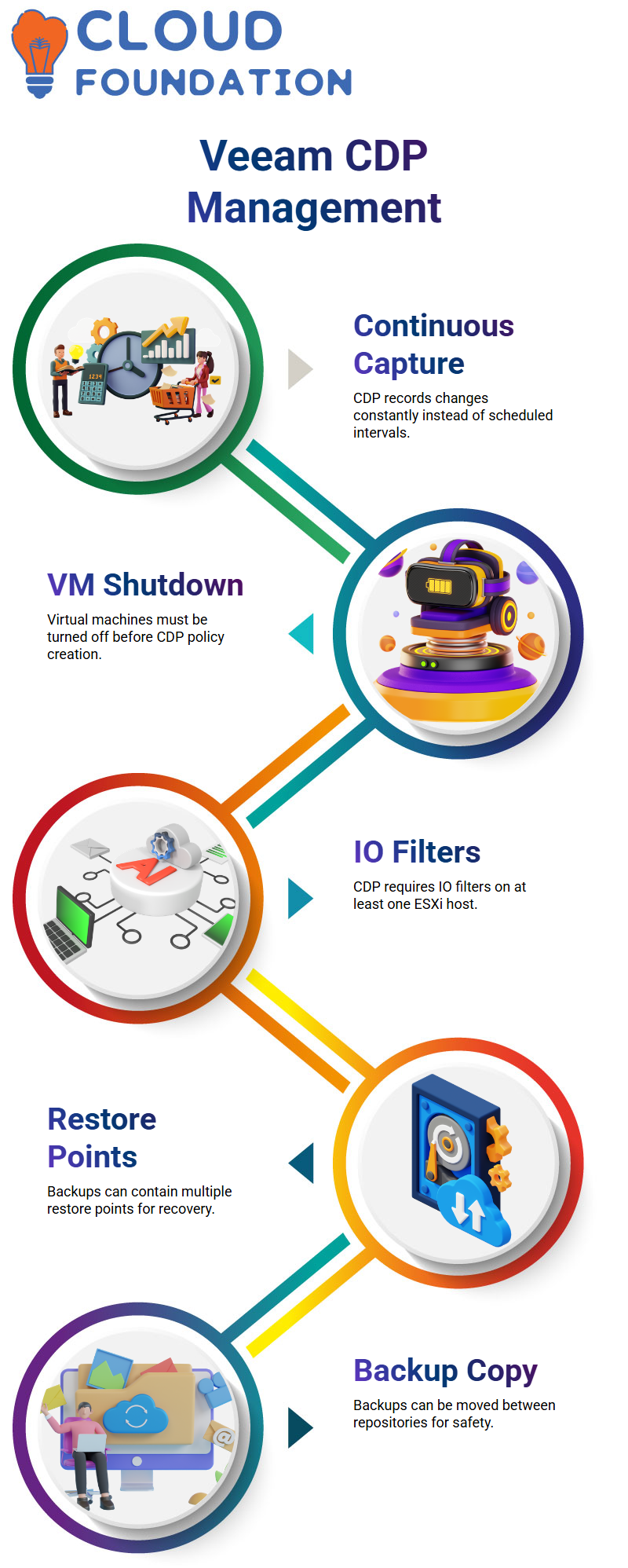
Veeam CDP works differently from regular Veeam replication because it captures changes all the time instead of at set times.
In our lab, I sometimes stop here because Veeam CDP needs certain conditions to work.
For instance, you have to turn off the virtual machines before you can make a Veeam CDP policy.
Veeam also needs IO filters to be set up on at least one ESXi host.
If there are no active hosts assigned, Veeam will give an error.
That’s why I like to teach Veeam CDP in a separate class.
Most businesses use both Veeam replication and Veeam CDP together in real-world situations.

Veeam Online Training
Veeam Restore Points and Backup Storage Management
Each backup in Veeam can have more than one restore point.
For instance, Veeam made 15 restore points for a virtual machine.
Veeam lets you take charge when storage is a problem.
I right-click the backup, choose properties, and show you how Veeam shows where the backup is stored and how many restore points there are.
From here, Veeam lets you manage retention or delete restore points if you don’t have enough space.
This is also where I talk about Veeam backup copy jobs for the first time.
I have two repositories on my Veeam server.
Veeam lets me move backups from one repository to another.
This way, if one repository goes down, my data is still safe with Veeam.
Veeam Backup Copy Jobs and Real Customer Scenarios
I always make it easy to understand what Veeam backup copy jobs are.
Veeam is just copying one backup from the main repository to the secondary repository.
Veeam lets you right-click and copy the backup right away if a workload is important.
Customers sometimes don’t have enough space to store things.
In those situations, Veeam lets you move the backup instead of copying it.
People often talk about the 3-2-1 rule with Veeam, but not all of their customers can afford it.
Even when there aren’t many resources, Veeam still works great.
Customers often connect an external USB drive to the Veeam backup server in real life.
They use Veeam to copy backups to that drive and keep them safe for audits or long-term storage.
Veeam makes this method easy and useful for businesses that don’t have a lot of money.
Veeam Tape Awareness and Lab Guidance
I tell my clients how Veeam works with tape infrastructure, even though most of them don’t use tape anymore.
I can set up a Veeam tape lab to show how data moves from disk to tape if you need it.
I make it clear to my students how to do lab exercises.
If the lab talks about a Veeam backup copy job, only do disk-based copy jobs and skip tape unless you are told to do so.
I don’t want you to just follow the instructions; I want you to understand how Veeam works in the real world.
As you keep practicing Veeam replication, I suggest that you finish the jobs from start to finish.
You can make copy jobs and try out different source and destination choices in Veeam once the replication is done.
This practice with your hands is what gives you confidence in Veeam.

Veeam Course Price

Nishitha
Author