Veeam Online Course
Instant SQL Database Recovery in Veeam
Veeam immediately indicated that the server was unavailable when the SQL server connection failed during one of my sessions.
This is precisely the point at which Veeam becomes useful. I immediately start debugging, utilising Veeam recovery options rather than freaking out.
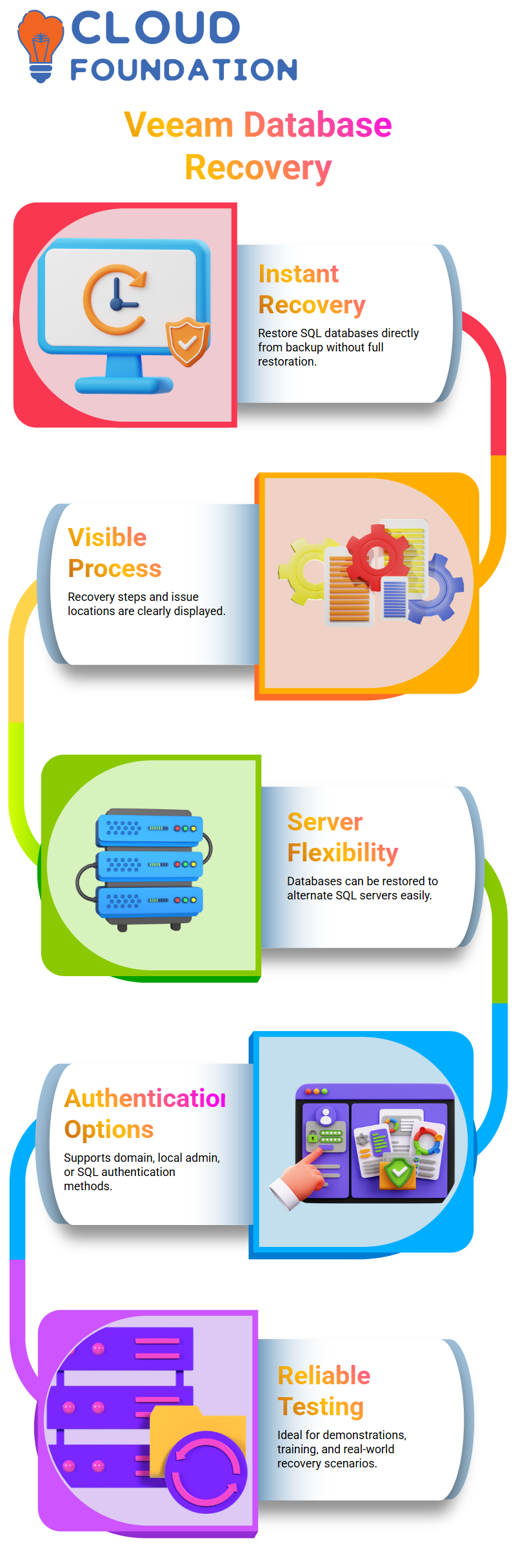
Veeam Instant Recovery is what I use when downtime is unacceptable.
I don’t have to wait for a complete restoration when I use Veeam since I can publish the database straight from the backup.
Veeam makes the recovery process incredibly visible.
The location of the issue and Veeam’s response are readily visible. In this instance, I used Veeam to restore the database to a separate server.
I let Veeam take care of the recovery after choosing a server with SQL already installed.
This method aids students in realizing that Veeam is adaptable and does not need a complete restoration to the original source.
Veeam Authentication Choices During Database Restore
I provide a straightforward explanation of authentication when using Veeam for restoration. I may use a domain account, a local administrator account, or SQL authentication with Veeam.
This step is not complicated by Veeam, but the decision is based on the configuration of the destination SQL server.
To keep things simple in my lab setting, I often use the local administrator account. Veeam verifies the credentials and moves on without needless pauses.
This practical demonstration demonstrates how Veeam adjusts to training and production settings.
I want to stress that with Veeam, the destination is the only thing that really changes during Instant Recovery.
Veeam is dependable for rapid testing, demonstrations, and real-world recovery scenarios since everything else stays the same.
Veeam Scale-Out Backup Repository
When using Veeam for restoration, I provide a clear explanation of authentication. I may use SQL authentication with Veeam, a domain account, or a local administrator account.
I normally tell them that Veeam doesn’t complicate this process; instead, the choice depends on how the destination SQL server is configured.
I often utilise the local administrator account in my lab environment to make things simple. After confirming the credentials, Veeam continues without unnecessary delays.
This hands-on example shows how Veeam adapts to both production and training environments.
I want to emphasise that during Instant Recovery with Veeam, the only thing that really changes is the destination.
Since everything else remains the same, Veeam is reliable for quick testing, demos, and real-world recovery situations.

Veeam Training

Veeam Backup Jobs and Full Backup Behaviour
I perform an existing backup operation in Veeam after setting up the Scale-Out Backup Repository.
Veeam immediately creates an active full backup since this is new storage. I ensure that pupils comprehend the reasons for this.
Veeam handles the task as a new backup because it lacks the old change block tracking data on the new repository.
Veeam promptly generated backup files across the specified extents when I picked a particular disk.
You may easily observe entries indicating that a scale-out repository extent is being used when they examine the task logs in Veeam.
In order to comprehend how Veeam is really keeping data, I usually advise looking at this in client scenarios.
Veeam SureBackup in Real Environments
Backup reliability is always my top priority when using Veeam in actual lab settings.
During this presentation, I demonstrated how to use an already-existing Veeam backup job for a Linux virtual machine that was operating properly.
Before making any changes, I like to confirm that everything is in order, particularly when Veeam indicates that the backup was successful.
I have a practice of using Veeam to confirm that the backup is not only finished but also functional.
I never want learners have to deal with the possibility that a backup that seems perfect on paper might nevertheless fail during restoration.
Veeam SureBackup becomes crucial in daily operations for just this reason.
Why Veeam SureBackup Matters for Consistent Restores
I describe Veeam SureBackup as a confidence check for your backups whenever I discuss it. I want to be almost certain that Veeam will restore a virtual machine (VM) without any issues.
Before a true calamity strikes, Veeam SureBackup assists me in validating backup information.
I begin by choosing the SureBackup task under the Home section of Veeam.
I then connect it to an already-existing Veeam backup operation. In the procedure, I don’t restore the virtual machine. Rather, Veeam mounts the backup in a separate environment and checks it for problems.
I’m often asked whether Veeam SureBackup really performs a recovery.
No, is the response. Veeam only confirms the backup and determines if it can be successfully restored, which is precisely what we want right now.

Veeam Online Training
Best Practices for Using Veeam SureBackup Jobs
Veeam SureBackup is not something you should use for every backup task, as I usually explain to my audience.
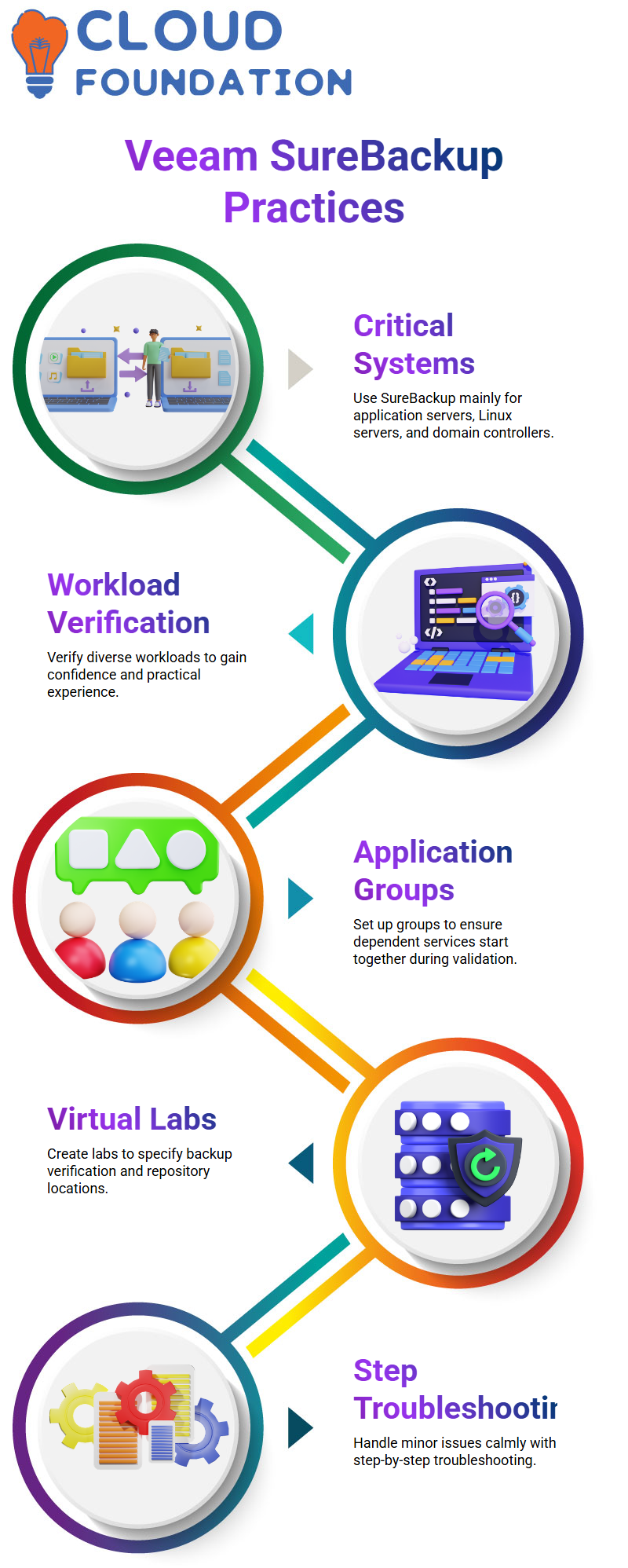
Using SureBackup primarily for important computers is Veeam’s best practice.
It makes much more sense to use Veeam SureBackup on application servers, crucial Linux servers, or domain controllers.
I highly recommend attempting SureBackup on systems other than simple Hyper-V or tiny test machines if you have access to the Veeam server.
You can verify various workloads with Veeam’s flexibility, and that practical experience boosts confidence.
Veeam could inquire about application groups during setup.
I normally explain that when you want dependent services to start jointly, application groups are crucial.
If you are using Veeam to validate application-aware backups, this step is required.
Veeam Virtual Labs and Backup Repositories
I set up a virtual lab in Veeam as part of the SureBackup setup. Where Veeam will turn on the backup for verification is specified in this virtual lab.
To avoid misunderstanding, I always indicate which host the virtual lab was built on.
This method also shows the backup repository choices in Veeam.
During SureBackup verification, I prefer to highlight the backup’s location and how Veeam accesses it.
This aids pupils in comprehending the whole backup lifecycle.
Even after choosing advanced settings, Veeam sometimes asks for further adjustments. I slow down and troubleshoot step-by-step when it occurs.
Veeam administrators should feel at ease with these minor problems, which are typical in real-world settings.
Advanced Veeam Topics Beyond SureBackup
There are forward and reverse incremental backups once the Veeam SureBackup task is finished.
These backup kinds are applicable in Veeam based on the configuration of the first backup operation.
In a fundamental Veeam backup module, SureBackup is often the final significant subject I address. I then go to advanced setups and post-class coaching.
This features scale-out backup repositories, safe restoration options, and object storage integration in Veeam.
I describe how Veeam manages cloud object storage even though I may not always have direct access to the cloud.
Understanding this architecture is essential for contemporary backup plans, since Veeam enables on-premises backups to be extended into cloud tiers.

Veeam Course Price

Vanitha
Author